
Vidu Q4 Preview, Explained
Vidu Q4 Preview
A plain-English breakdown of Vidu's 4K flagship model — plus the 4K-ready models you can run on VO3 right now.
Vidu's Q4 Preview is the newest entry in the 4K AI video race, and the first integrations (including Perfect Corp's YouCam) are already shipping. Vidu Q4 Preview is not yet available inside VO3, so this page does two things: it explains what the model actually promises, and it shows you which VO3 models — Veo 3.1 Pro, Kling 3.0, Sora 2 Pro, Seedance 2.0 — deliver comparable cinematic output today, from one prompt box and one credit balance.
Video Gallery

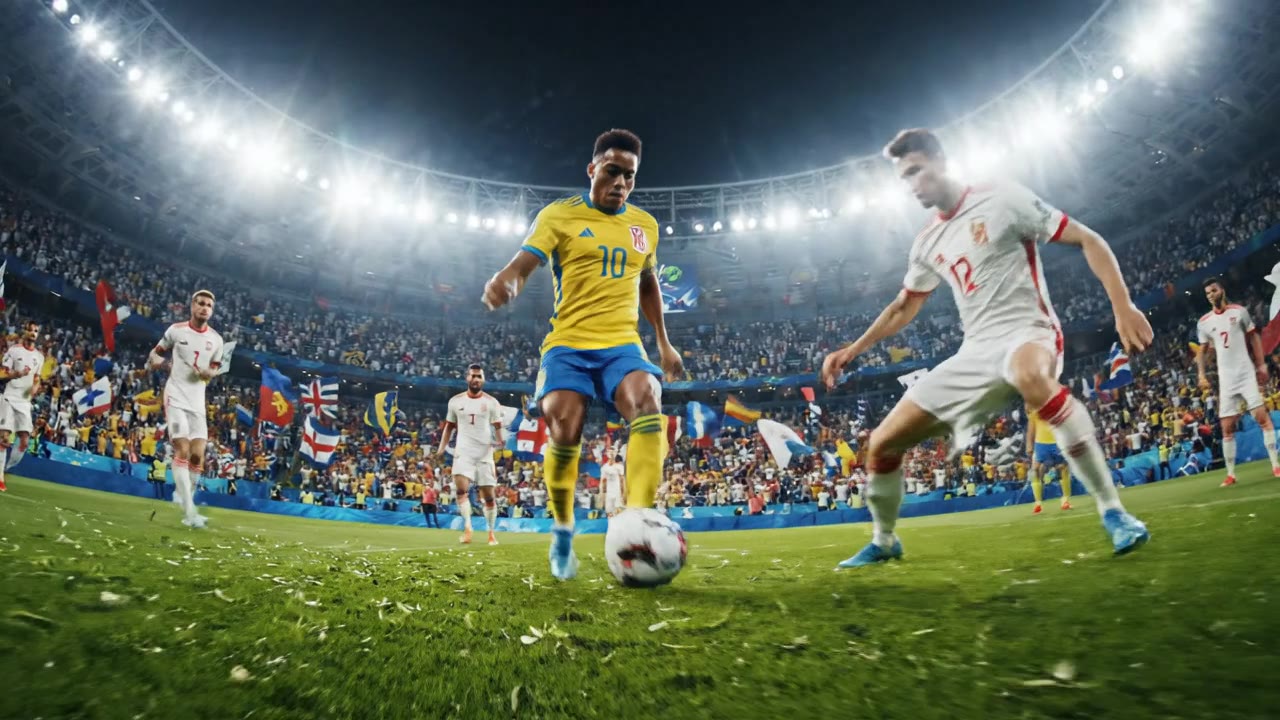
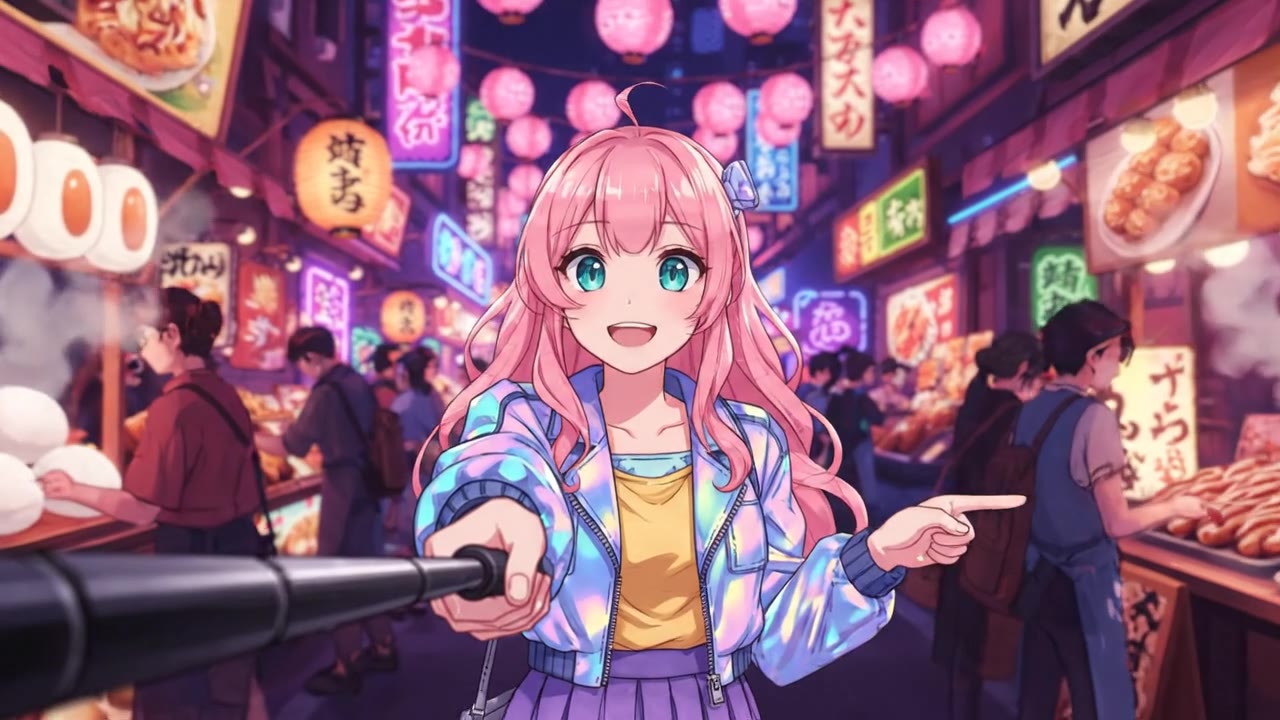
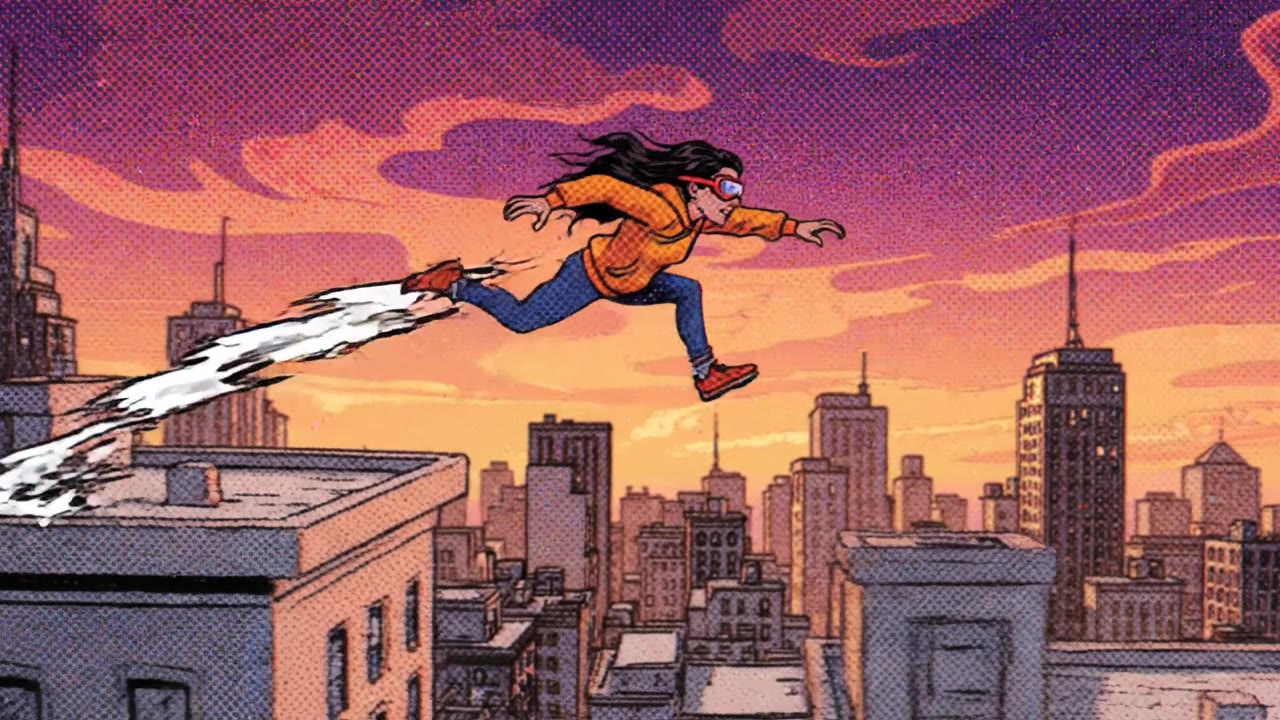

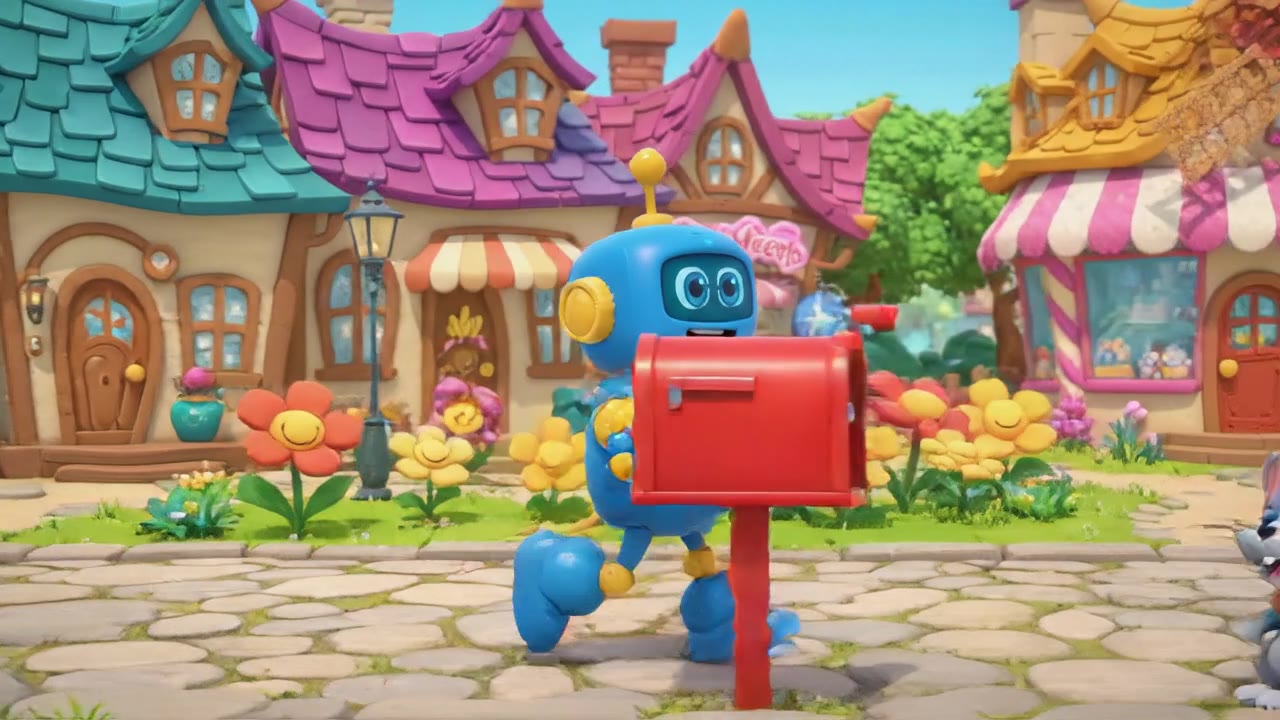
Vidu Q4 Preview vs What You Can Generate Today
Where 4K Actually Matters
Vidu Q4 Preview is positioned as a 4K flagship, and that headline number matters most in two places: large-format screens (trade show loops, TV spots, cinema pre-roll) and heavy post-production, where extra pixels survive cropping, stabilisation and reframing.
For a 9:16 feed video that gets re-compressed by the platform anyway, prompt control and motion quality move the needle far more than raw resolution. VO3's 1080p masters upscale cleanly for almost every social and paid-ads delivery spec.
Nine Models, One Prompt Box
Instead of betting a workflow on a single preview model, VO3 gives you Veo 3.1 Pro, Veo 3.1 Lite, Veo 3 Fast, Kling 3.0, Kling 2.6 Pro, Sora 2 Pro, Seedance 2.0,
WAN 2.7 and Gemini Omni behind one interface. Write the prompt once, switch the model with a dropdown, and compare results side by side rather than re-subscribing somewhere new every time a model like Vidu Q4 Preview makes the news.
Dialogue and Sound in the Same Pass
The single biggest time sink in AI video is not generation — it is syncing audio afterwards. Veo 3.1 Pro and Sora 2 Pro on VO3 generate synchronised dialogue,
ambience and sound effects in the same render, so a talking-head ad or a product voiceover comes out finished instead of silent. That removes an entire editing round from every spot you ship.
Character and Product Consistency
Reference-driven consistency is the feature every 2026 flagship advertises, Vidu Q4 Preview included. On VO3 you get it through Veo 3.1 Multi-Image and Kling's reference modes: upload your product shot,
your packaging or your spokesperson, and the same face, label and colourway carries across every shot in a sequence. That is what makes a multi-scene ad usable rather than a pile of pretty but unrelated clips.
One Credit Pool, No Per-Model Subscription
Preview models usually launch behind their own plan, their own quota and their own billing cycle. VO3 credits work across every model on the platform:
spend them on a cheap Veo 3 Fast draft to lock your framing, then spend the rest on a Veo 3.1 Pro or Sora 2 Pro final. Nothing expires into a model you stopped using, and comparing two engines costs credits rather than a second subscription.
Commercial Rights From Day One
Every video you generate on a paid VO3 plan is cleared for commercial use — paid social, client deliverables, marketplace listings, broadcast.
There is no separate licence tier to unlock before you can run a generated clip as an ad, which is a real consideration when a brand-new preview model's terms are still in flux.
Minutes, Not Waitlists
New flagship models typically arrive gated: waitlists, invite codes, regional restrictions, partner-only access. The models on VO3 are live and queued in minutes,
so a campaign deadline this week does not depend on when Vidu Q4 Preview opens up general availability in your region.
Prompt in Your Own Language
VO3 runs in eight languages and the prompt box accepts any of them — Spanish, Portuguese, French, Japanese and more.
Describe the shot the way you would describe it to a colleague, and generate dialogue in that language too, without routing everything through English first.
How to Generate 4K-Ready Video on VO3
Describe the Shot, Not Just the Subject
Open the VO3 create page and write the scene the way a director would: subject, camera move, lens feel, lighting and mood. 'Ultra-realistic cinematic shot of a hypercar crossing desert dunes at golden hour, slow tracking move, heat haze, soft dust trail' beats 'cool car video' at every resolution. If you have a product photo, logo or spokesperson frame, upload it here as a reference so the model matches it instead of inventing something close.
Pick the Model for the Job
Choose Veo 3.1 Pro for cinematic realism with synced dialogue, Kling 3.0 for strong physical motion and camera work, Sora 2 Pro for stylised narrative shots, Seedance 2.0 for viral effect templates, and Veo 3 Fast or Veo 3.1 Lite for cheap drafts. Credits are shared, so running the same prompt through two models to see which reads better is a normal step, not an expensive detour.
Generate, Then Iterate on the Prompt
Most clips return in a few minutes. Watch the first result for the two things that actually break a spot — wrong motion and wrong pacing — then adjust one variable at a time: tighten the camera instruction, name the lighting, or specify the beat you want in the first second. Two or three focused passes usually land a usable take.
Export and Finish at Delivery Resolution
Download the 1080p master, then upscale or reframe to your delivery spec: 9:16 for TikTok, Reels and Shorts, 1:1 for feed, 16:9 for YouTube and in-store screens. Because the master is clean and artefact-free, a standard upscale to 4K holds up for large-format playback, and the commercial licence on paid plans means it can go straight into a live campaign.
Build the Sequence, Not Just One Clip
Keep the same reference image and the same model across every shot so your product, face and colour palette stay consistent, then cut the clips together into a 15 or 30 second spot. This is where multi-model access pays off: one engine for the hero shot, a cheaper one for cutaways and B-roll, all billed from the same balance.
What Our Users Say
We were on the Vidu Q4 Preview waitlist for our 4K in-store loops and got tired of waiting. We rebuilt the whole set on Veo 3.1 Pro in VO3, upscaled the masters, and the loops have been running on 55-inch displays in 34 stores since August. Production cost went from $11,000 per quarter with our agency to about $280 in credits.
I test every new flagship model the week it drops, Vidu Q4 Preview included. What keeps my team on VO3 is that I can run the same client brief through Veo 3.1 Pro, Kling 3.0 and Sora 2 Pro in one afternoon off one credit balance. We cut our concept-to-approved-cut time from nine days to two and took on 40% more retainer work without hiring.
Our product is Turkish food and the hero shots have to look expensive. Reference images keep the packaging and the red trim identical across every scene, so a six-shot spot actually looks like one campaign. Our paid social CTR went from 0.9% to 2.4% after we swapped stock footage for generated spots, and we save roughly $3,500 a month on shoots.
The synced-audio part is what sold me. I ship 20 explainer videos a month for SaaS clients and I used to spend a full day per video on voiceover and timing. Generating dialogue in the same pass killed that step entirely — I'm down to about 40 minutes per video including revisions, and margin on the retainer went up 22%.
We sell on three marketplaces and every listing needs its own aspect ratio. Being able to generate the scene once and export 9:16, 1:1 and 16:9 versions from the same master cut our listing-video backlog from 60 pending SKUs to zero in five weeks. Conversion on the SKUs with video is running 31% above the ones without.
Frequently Asked Questions
Ready to Get Started?
Join thousands of creators using our AI video platform to produce professional-quality content.