
AI Start to End Video Generator
Upload a start frame and an end frame — AI generates a smooth cinematic video transition between them. Powered by WAN 2.7 and VEO 3.1.
Example: Start → End Animation
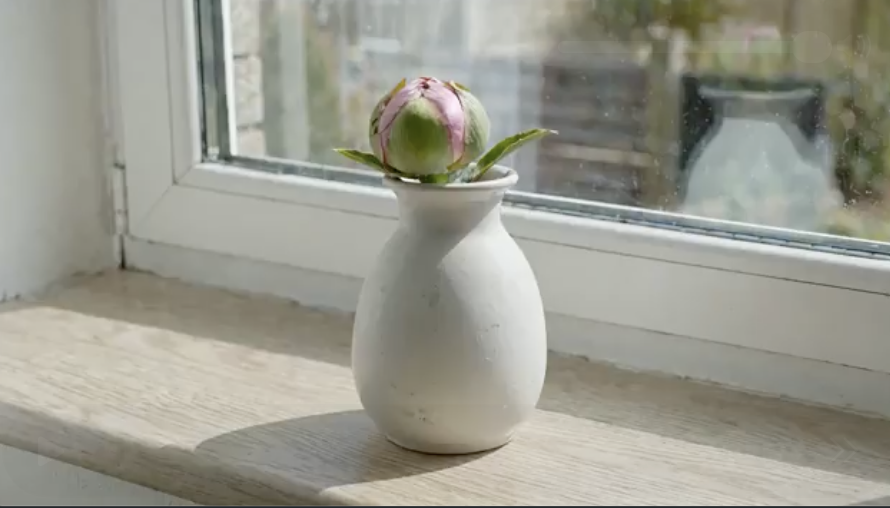 START
START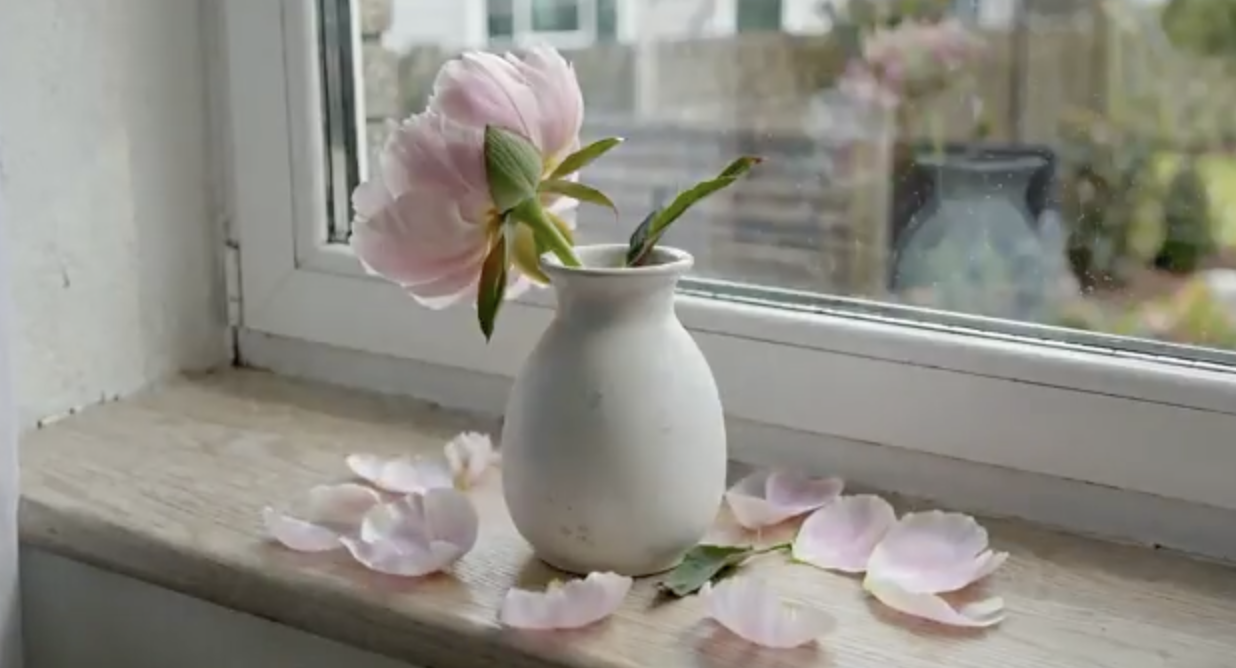 END
ENDPrompt
"A flower blooming and wilting over two weeks, one photo per day."
Convert Two Images into a Smooth AI Video Transition
This start-to-end video generator lets you create cinematic AI animations from static images. Upload any two photos as keyframes — a beginning scene and an ending scene — and the AI fills in all the motion, camera work, and visual effects to produce a seamless video transition. Built on WAN 2.7 and Google VEO 3.1, it delivers professional-quality results in 720p or 1080p resolution.
Perfect for storytelling, product demonstrations, social media content, and creative projects. Whether you need a time-lapse effect, a scene transformation, or a smooth morph between two states, this AI video transition tool handles it all — no video editing skills required. Simply describe the motion you want, and let the AI do the rest.
HOW IT WORKS
Three simple steps
USE CASES
Built for creators
Social Media Animation
Create eye-catching animated posts and stories from static images. Perfect for Instagram, TikTok, and YouTube Shorts.
Product Showcase
Animate product photos to show different angles, unboxing sequences, or before-and-after transformations.
Storytelling Scenes
Build narrative sequences by transitioning between key story moments. Ideal for storyboards and creative projects.
Before & After Transitions
Show transformation results with smooth AI-generated transitions — great for fitness, renovation, and makeover content.
FAQ
Frequently Asked Questions
Explore More AI Video Tools
Powered by WAN 2.7 & VEO 3.1
View Pricing