
AI Sticker Generator
Describe any sticker idea in plain words and let AI turn it into a cute, die-cut sticker with a clean outline you can download and use anywhere.
Describe Your Sticker Idea
Sign in to start generating
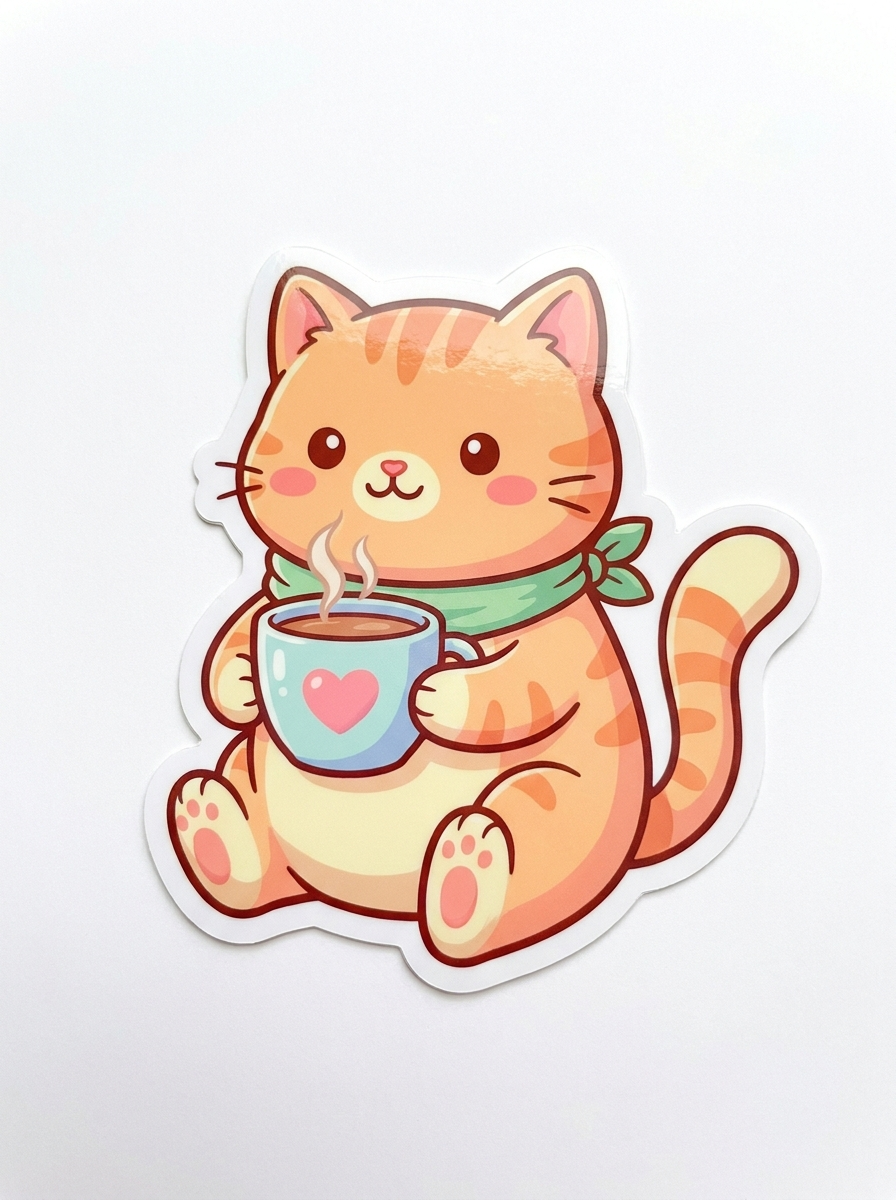
Kawaii Coffee Cat
Prompt: a chubby orange cat holding a coffee cup, kawaii style
AI-generated examples
Make a Custom Sticker in Seconds
No drawing skills needed. Our AI sticker generator turns a simple text description into a polished die-cut sticker — perfect for chats, laptops, water bottles, and shops.
1. Describe Your Sticker
Type what you want — a character, an object, a mood, a style. The more specific you are, the closer the sticker matches your idea. Try 'a sleepy corgi in a taco costume' or 'a kawaii storm cloud with a sad face'.
2. AI Draws the Sticker
The AI generates a cute die-cut sticker with bold outlines, clean flat colors, and a transparent-ready white background — the format sticker shops and chat apps expect.
3. Download & Use Anywhere
Download your sticker in high resolution. Send it in chats, print it as a vinyl decal, add it to a pack, or iterate on new variations until it feels just right.
Stickers Made With This Generator
Every sticker below was created from a single text prompt using the AI sticker generator — no editing, just describe and download.
Kawaii Coffee Cat
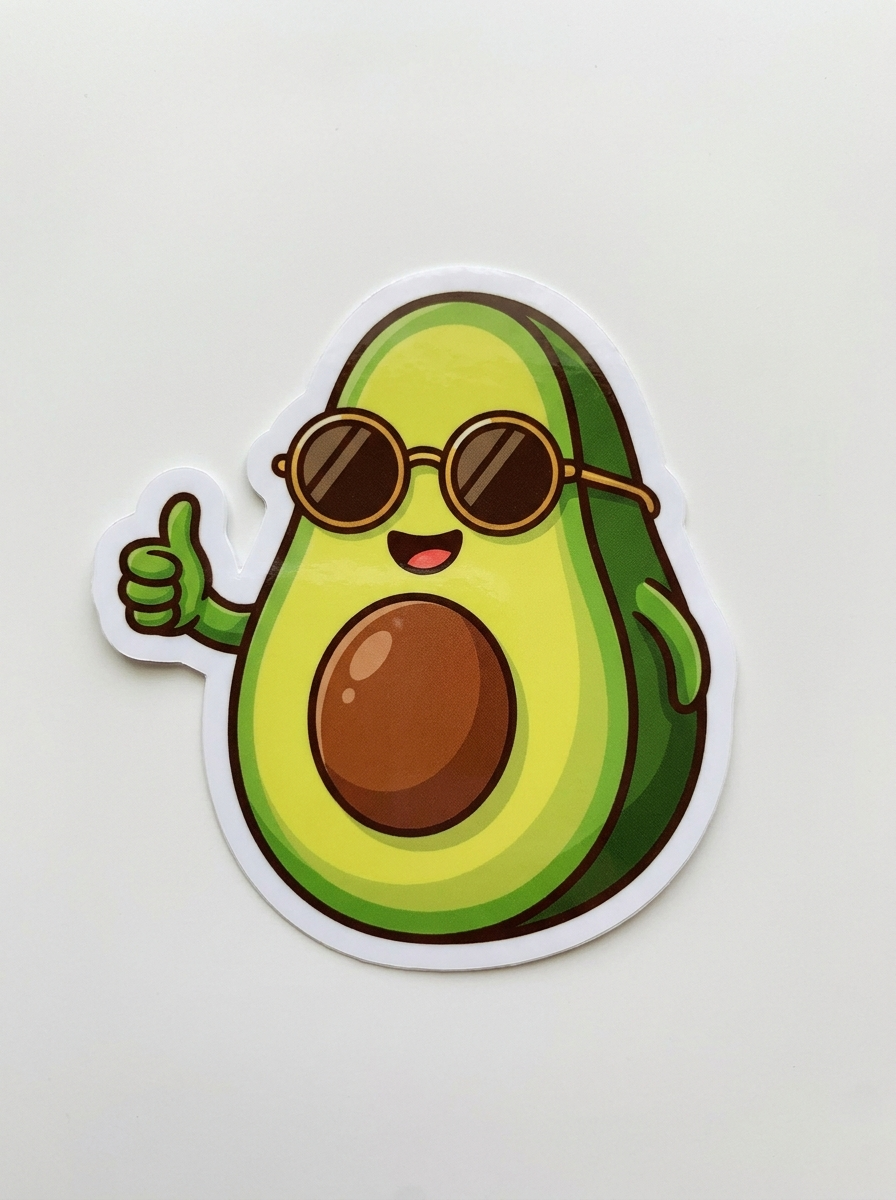
Cool Avocado
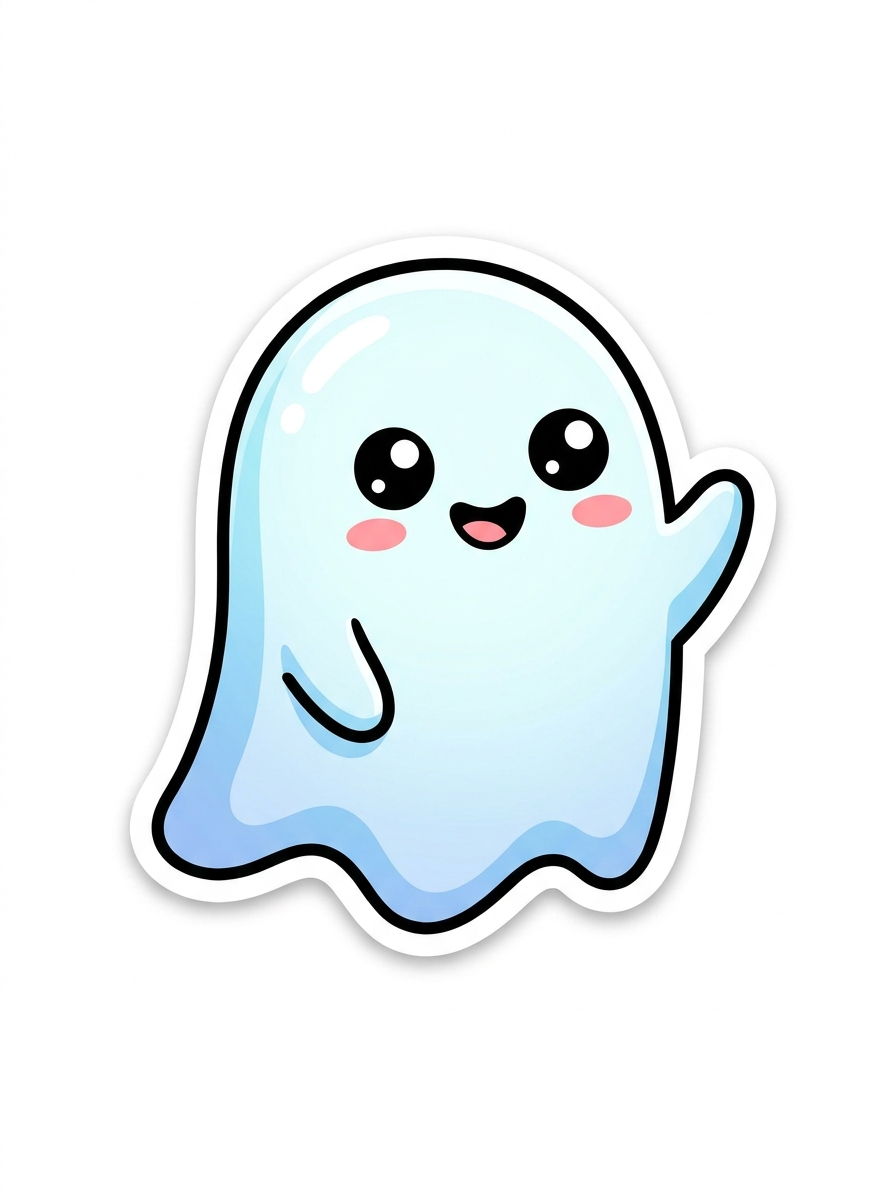
Waving Ghost
Why Use Our AI Sticker Maker
Built on a state-of-the-art image model tuned for clean, print-ready sticker artwork.
Every Sticker Style
Kawaii, cartoon, chibi, emoji, retro, pixel, meme, holographic — just name the style in your description and the AI adapts the look and linework.
Clean Die-Cut Outlines
Every sticker comes with the signature thick white border and isolated subject, so it reads instantly as a sticker and is easy to cut or crop.
Seconds, Not Hours
Skip the sketching, inking, and coloring. Type an idea and get a finished sticker design back in a few seconds, then remix as many variations as you like.
High-Resolution Output
Get crisp, high-resolution stickers that stay sharp whether you send them in a chat, drop them in a pack, or print them as vinyl decals.
No Design Skills Needed
You describe, the AI draws. Anyone can make professional-looking custom stickers without touching a design app or hiring an illustrator.
Endless Ideas
Pets, food, plants, mascots, quotes, seasonal themes — the AI sticker generator handles almost any subject you can describe in a sentence.
AI Sticker Generator: Turn Any Idea Into a Custom Sticker in Seconds
The AI sticker generator is the fastest way to turn a plain-text idea into a polished, die-cut sticker without opening a single design app. Instead of sketching, inking, and coloring by hand, you simply describe what you want — a character, a food, a mascot, a mood — and the AI sticker generator draws it for you with a clean bold outline and vibrant flat colors. Whether you need one reaction sticker for a group chat or a matching set for a shop, this tool removes every technical barrier between your imagination and a finished sticker you can actually use. There is nothing to install, no tutorial to sit through, and no artistic background required — if you can describe it, you can make it.
Under the hood, the AI sticker generator runs on a state-of-the-art image model that has learned what makes a great sticker: a single clear subject, a thick white die-cut border, simplified shapes, and colors that stay punchy at small sizes. When you type a prompt, the model interprets your words and composes an isolated, centered illustration in the sticker format automatically. You do not have to know anything about linework, contrast, or layout — the AI sticker maker handles the design language so your idea comes out looking like a professional vinyl sticker every time. The result is a design that already reads as a sticker the moment it appears, not a flat picture you still have to crop and clean up yourself.
Style coverage is where this sticker generator really shines. You can ask for kawaii and chibi characters, flat modern cartoons, retro 90s vibes, pixel art, emoji-style faces, holographic finishes, hand-drawn doodles, or meme reactions — and the AI adapts its shading and palette to match. Want a soft pastel look? Say so. Prefer bold neon and heavy outlines? Add that to your prompt. Because the style lives in your description, the same AI sticker generator can produce a cute pastel cat and a gritty retro skull back to back, giving you a flexible studio that fits any brand, chat theme, or personal aesthetic. That range means one tool covers birthday packs, gaming emotes, and shop merch without ever switching apps.
Writing a great prompt is simple once you know the pattern. Name the subject, name the style, and add a few details that matter to you. For example, 'a chubby orange cat holding a coffee cup, kawaii style, pastel colors' gives the model far more to work with than 'cat sticker'. Concrete nouns and one clear focal subject work best, because stickers are meant to read instantly at a glance. If you want a specific pose or accessory — sunglasses, a tiny hat, a speech bubble — include it, and the AI will fold it into the design while keeping the clean die-cut outline intact. Avoid cramming several subjects into one prompt; a sticker with a single hero character almost always looks cleaner and cuts out better than a busy scene.
The use cases are almost endless. People use this custom sticker generator to spice up chats on messaging apps, decorate laptops and water bottles, build Twitch and Discord emotes, design merch for small shops, create branded mascots, and make seasonal packs for holidays. Teachers make reward stickers, streamers make reaction sets, and hobbyists print their own vinyl decals at home. Because each sticker costs just one credit and takes seconds, it is realistic to design an entire themed collection in a single sitting rather than commissioning an illustrator and waiting days for drafts. Small creators especially love how the AI sticker generator lets them test a dozen concepts before committing to the two or three that truly land.
Compared to the manual alternative, an AI sticker maker collapses a multi-hour workflow into a single sentence. Traditionally, making a sticker means choosing a concept, sketching it, cleaning up the linework, picking a palette, adding the die-cut border, and exporting at the right resolution — all inside software you have to learn first. With the AI sticker generator, that entire pipeline happens in the background. You get the creative payoff of a finished, print-ready design without the learning curve, the drawing tablet, or the expense, which is exactly why so many first-time creators start here and keep coming back for their next idea.
Getting consistent results across a pack is easy with one small trick: lock your style wrapper and only change the subject. Keep a phrase like 'flat cartoon style, bold outline, pastel palette' at the end of every prompt and swap out the main character each time. This keeps a unified look across a set of moods, animals, or foods so the finished stickers clearly belong together. When a single result is not quite right, iterate — nudge the wording, add a detail, or remove one — and generate again. Two or three quick passes almost always land on the sticker you pictured, and because the sticker generator is so fast, experimenting costs you seconds instead of hours.
Ready to try it? Type your idea into the AI sticker generator above, pick a style, and generate. In a few seconds you will have a cute, die-cut sticker on a clean background, ready to download in high resolution and drop into a chat, a pack, or a print run. There is no software to install and no design experience required — just describe, generate, and use. Start with one idea, remix a few variations, and watch how quickly a simple sentence becomes a sticker you are proud to share. Once you see how easy the AI sticker generator makes it, you will never go back to hunting for the perfect sticker — you will just create your own.
AI Sticker Generator — Frequently Asked Questions
Include three things: the subject (what the sticker shows), the style (kawaii, cartoon, pixel, meme, etc.), and any details that matter (colors, pose, accessories, mood). For example, 'a smiling avocado with sunglasses in kawaii style' produces a much sharper result than just 'avocado sticker'. Short, concrete descriptions with one clear subject work best for stickers.
Each sticker costs one credit, and new accounts start with free credits so you can try it right away. You can generate a sticker, review it, and remix variations without any design software or subscription commitment. If you love a result, download it in high resolution and use it however you like.
The generator produces stickers on a clean plain background with a bold die-cut outline, which makes removing the background quick with any free background-removal tool. The isolated subject and thick white border are designed so the sticker cuts out neatly for chat packs, printing, or overlaying on other images.
Almost any style you can name: kawaii and chibi, flat cartoon, retro, pixel art, emoji-style faces, holographic, hand-drawn doodles, and meme reactions. Just add the style to your description and the AI adapts the linework, shading, and color palette to match. You can also mix styles, like 'retro cartoon' or 'kawaii pixel'.
Yes. The output is high-resolution and formatted like a die-cut vinyl sticker, so it works for printing at home or through a print-on-demand service. Many creators use AI-generated stickers for shops, packs, and merch. Always make sure your prompt describes original ideas rather than copyrighted characters or logos.
Absolutely. Generate stickers one at a time using a consistent style description — for example, keep the same 'kawaii cartoon, pastel colors' wrapper and only change the subject each time. This keeps a matching look across the whole pack, whether you are building a set of animal moods, food characters, or reaction faces.
The AI aims to match your description closely, but each generation is a fresh interpretation, so small details vary between runs. If the first result is not perfect, tweak the wording, add or remove details, and generate again. Iterating two or three times usually lands on a sticker that captures exactly what you pictured.
Most stickers are ready in just a few seconds. Because it is so fast, you can explore many ideas quickly — try different subjects, styles, and color themes back to back, then keep the ones you love and download them in high resolution.
Still have questions? Contact Support