
AI Interior Design Generator
Describe the room and style you want, and the AI Interior Design Generator renders a photorealistic interior in seconds — any space, any aesthetic, one credit per design.
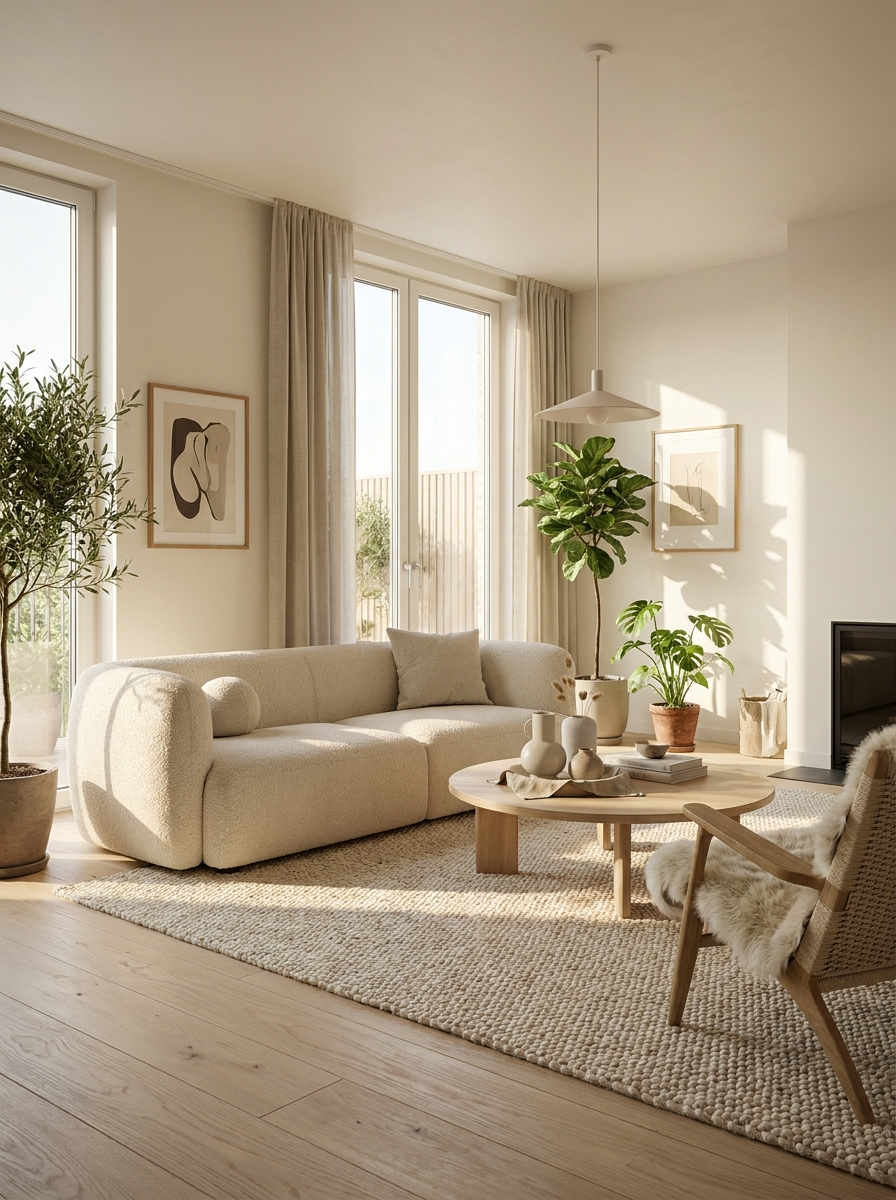
Scandinavian living room
Prompt: a cozy Scandinavian living room with a boucle sofa and oak floors
AI-generated examples
AI Interior Design Generator
Type a room, a style, and the mood you want — get a photorealistic interior design render back in seconds.
Sign in to start generating
How it works
How the AI Interior Design Generator Works
Three steps from a plain description to a finished, magazine-quality room render.
Describe your room
Type the space you want to design — living room, bedroom, kitchen, office — plus the style, colors, and any furniture or details you have in mind.
AI designs the space
The AI interior design generator builds a photorealistic render with a balanced layout, coordinated palette, realistic materials, and natural lighting in seconds.
Download or refine
Save the design in high resolution, or tweak your prompt and regenerate to explore new styles, layouts, and color schemes for one credit each.
AI Interior Design Generator Examples
Every render below was generated straight from a text prompt — no photos, no editing.
Scandinavian living room
Prompt: a cozy Scandinavian living room with a boucle sofa and oak floors
Prompt: a cozy Scandinavian living room with a boucle sofa and oak floors
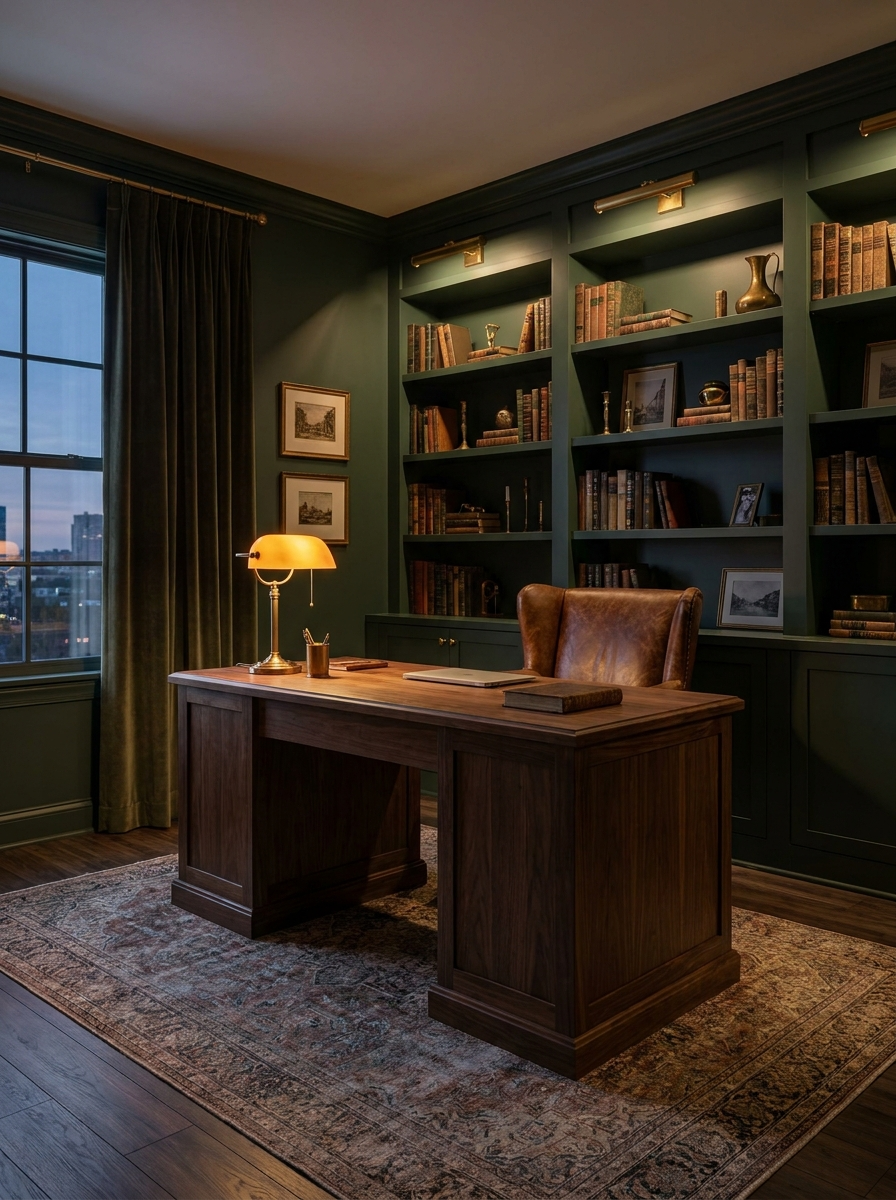
Dark-green home office
Prompt: a moody dark-green home office with brass accents
Prompt: a moody dark-green home office with brass accents
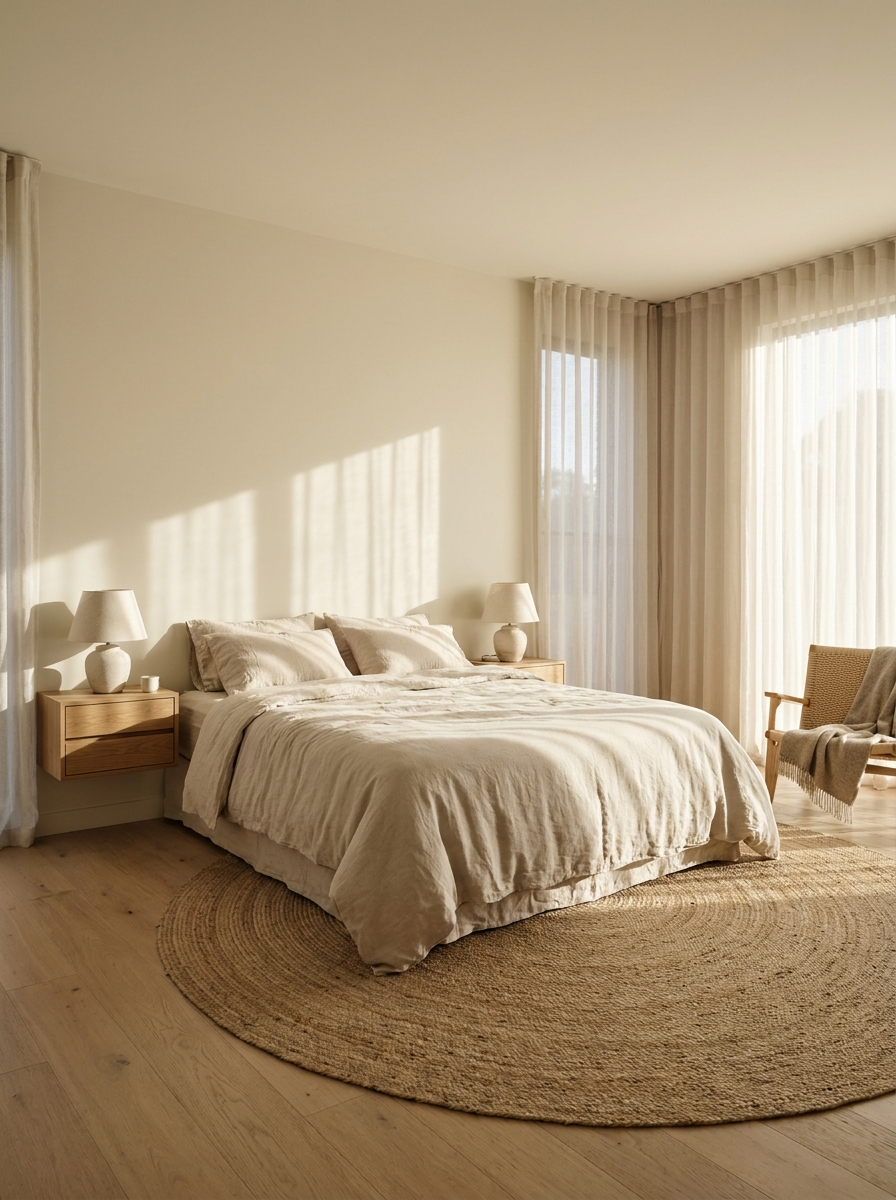
Minimalist bedroom
Prompt: a bright minimalist bedroom with linen bedding and morning light
Prompt: a bright minimalist bedroom with linen bedding and morning light
Why this tool
Why Use This AI Interior Design Generator
Any style you can name
Scandinavian, mid-century modern, Japandi, industrial, coastal, maximalist, farmhouse — describe the aesthetic and the AI renders a cohesive, on-trend interior to match.
Every room, one tool
Living rooms, bedrooms, kitchens, bathrooms, home offices, nurseries, and outdoor spaces are all fair game. One generator covers the whole home from a single prompt box.
Seconds, not weeks
Skip the mood boards, back-and-forth emails, and days of waiting. A finished, photorealistic room render comes back in seconds so you can iterate as fast as you can type.
Photorealistic renders
Layered lighting, realistic textures, accurate perspective, and soft depth of field make each design read like a real interior photograph, not a flat cartoon or clip art.
Effortless iteration
Change one word in your prompt — a wall color, a wood tone, a furniture piece — and generate a fresh variation instantly. Explore ten directions before lunch.
One credit per design
No designer retainer, no software subscription to learn, no per-project fee. Each high-resolution interior design costs a single credit, so experimenting stays cheap.
The rundown
The AI Interior Design Generator That Turns Words Into Rooms
The AI interior design generator is a tool that turns a plain text description into a photorealistic picture of a finished room. Instead of hiring a designer, buying expensive rendering software, or spending hours cutting and pasting mood boards, you simply describe the space you have in mind — the room, the style, the colors, the furniture, the mood — and the AI interior design generator renders a complete, believable interior in seconds. It is the fastest way to see an idea for a home take shape before you spend a single dollar on paint, furniture, or renovation, and it removes the biggest barrier most people face when redecorating: not knowing what a change will actually look like until it is too late to undo.
Under the hood, the tool is powered by a state-of-the-art image model that has learned how real interiors are put together: how light falls across a room at different times of day, how materials like oak, linen, marble, terrazzo, and brass actually look and reflect, and how furniture is arranged so a space feels balanced rather than cluttered. When you submit a prompt, the AI interior design generator interpolates all of that knowledge into one coherent design, choosing a harmonious palette, sensible proportions, believable perspective, and layered lighting. The result is closer to an architectural visualization than a rough sketch, which is why so many people now start a redesign with an AI room design instead of a blank page and a vague feeling.
Style coverage is broad because the model is not limited to a handful of presets. You can ask for Scandinavian, Japandi, mid-century modern, industrial loft, coastal, boho, farmhouse, art deco, minimalist, or all-out maximalist, and the interior design AI will hold that aesthetic consistently across walls, floors, ceilings, textiles, and decor. The same AI interior design generator handles living rooms, bedrooms, kitchens, bathrooms, nurseries, home offices, dining rooms, and even patios and balconies, so a single tool can design an entire home one room at a time, keeping a recognizable thread of style running from space to space.
Getting great output comes down to writing a clear prompt. The most useful descriptions name three things: the room type, the overall style, and two or three concrete details you care about. Something like "a cozy Scandinavian living room with a boucle sofa, oak floors, and warm afternoon light" gives the AI enough to work with while still leaving room for a beautiful, surprising result. If you want a specific feeling, add a mood word — calm, moody, airy, cozy, luxurious — and the AI interior design generator will steer the lighting, palette, and styling to match. You can also specify a hero piece, a wall color, or a window view, and the render will build the rest of the room around it.
The use cases go well beyond daydreaming. Homeowners use an AI room design to test paint colors and layouts before committing to them. Renters visualize a space they cannot structurally change but still want to style well. Real-estate agents stage empty listings digitally to help buyers picture the potential. Interior designers generate quick client concepts and mood-board alternatives in minutes rather than days. Furniture shoppers picture how a specific piece might sit in a room before buying it. Because each design is cheap and instant, the AI interior design generator fits naturally into any point of a decorating, staging, or renovation project. Even small teams and hobbyists who would never commission a professional now reach for an AI interior design generator first, because it lets them think visually instead of guessing, and turns a vague wish into a concrete plan they can act on with confidence.
Compared with the manual alternative, the advantage is speed and the freedom to experiment. A traditional design process means consultations, revisions, and a wait measured in weeks, and every extra concept costs more money and more patience. With an interior design AI you can explore ten completely different directions for a single room before lunch, compare them side by side, and only then decide which one is worth pursuing in real life. That kind of low-risk iteration simply is not possible with a human designer on retainer or with hours of tedious manual photo editing, and it means you commit to a look only once you have actually seen it.
A typical workflow looks like this: describe your room, generate the first render, then refine. Change a single word — swap "grey" for "sage green," or "modern" for "rustic" — and the AI interior design generator updates the whole scene completely on the next generation. Many people keep the versions they like, build a small gallery of directions, and use those images to brief a contractor, shop for real furniture, agree on a palette with a partner, or simply enjoy seeing their idea come to life. Every render comes back in high resolution and is yours to download, save, and share however you like.
Getting started with the AI interior design generator takes about a minute. Type a description of the room you want, add the details that matter to you, and generate — each design costs just one credit, so there is no reason not to try several variations and compare them. Whether you are planning a full renovation, refreshing a single corner of a room, staging a home for sale, or just curious what your space could become, the AI interior design generator turns a sentence into a room you can actually picture living in. Start with one prompt, keep the directions you love, generate a few alternatives to be sure, and let the ideas build from there until the room feels exactly right.
AI Interior Design Generator — FAQ
It is a tool that turns a written description into a photorealistic image of a designed room. You type the space, style, and details you want, and the AI renders a complete interior with coordinated furniture, colors, materials, and lighting in seconds. It replaces mood boards, expensive software, and long design timelines with a single prompt box.
None at all. If you can describe a room in plain words, you can use the tool. There is nothing to install and no technique to master. Just name the room type, the style you like, and a couple of details you care about, and the AI handles the layout, palette, lighting, and composition for you automatically.
Almost any space and aesthetic. Living rooms, bedrooms, kitchens, bathrooms, home offices, nurseries, and outdoor patios all work, in styles from Scandinavian and Japandi to industrial, coastal, farmhouse, art deco, minimalist, and maximalist. Because the design is driven entirely by your prompt, one room can be rendered in dozens of different directions.
Name three things: the room type, the overall style, and two or three concrete details. For example, "a bright minimalist bedroom with linen bedding, oak nightstands, and warm morning light." Adding a mood word like calm, moody, or luxurious helps the AI steer the lighting and palette. The clearer your description, the more accurate the result.
This generator creates a new design from a text description rather than editing an uploaded photo, so it is ideal for exploring styles, layouts, and color schemes from scratch. Describe your room's size, shape, and key features in the prompt to get a render that closely reflects the space you are planning to redesign.
Very. The model renders layered lighting, realistic materials and textures, accurate perspective, and soft depth of field, so designs read like real interior photographs rather than flat illustrations. Results are best used as inspiration and concept visualization — a highly realistic starting point for planning paint, furniture, and layout decisions.
Each generated interior costs a single credit. There is no designer retainer, no per-project fee, and no software subscription to learn. Because every render is so cheap, you can freely experiment with different styles, colors, and layouts until the room looks exactly the way you imagined it before spending anything in real life.
Yes. The designs are yours to download in high resolution and use for planning, client concepts, listing staging, contractor briefs, social posts, and inspiration. Many people generate a set of variations for a single room, keep their favorites, and use those images to guide real purchasing and renovation decisions.