
The Synthesia Alternative
That Shoots Real Scenes
Synthesia puts a stock avatar in front of a slide. VO3 generates the whole shot: location, camera move, dialogue and sound, from one prompt.
Powered by Veo 3.1, Sora 2, Kling and Seedance in a single editor. No seat licences, no avatar library, no studio booking.
Video Gallery

Why Teams Switch From Synthesia To VO3
Full Scenes, Not Talking Heads
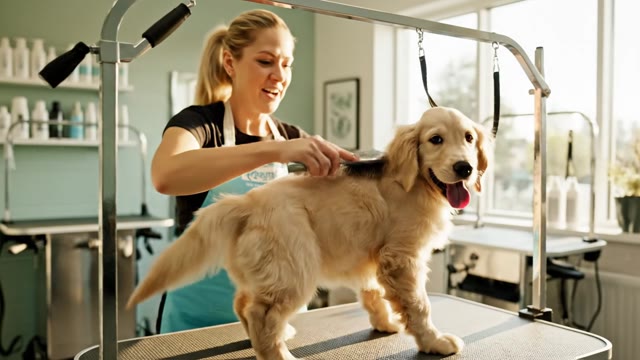
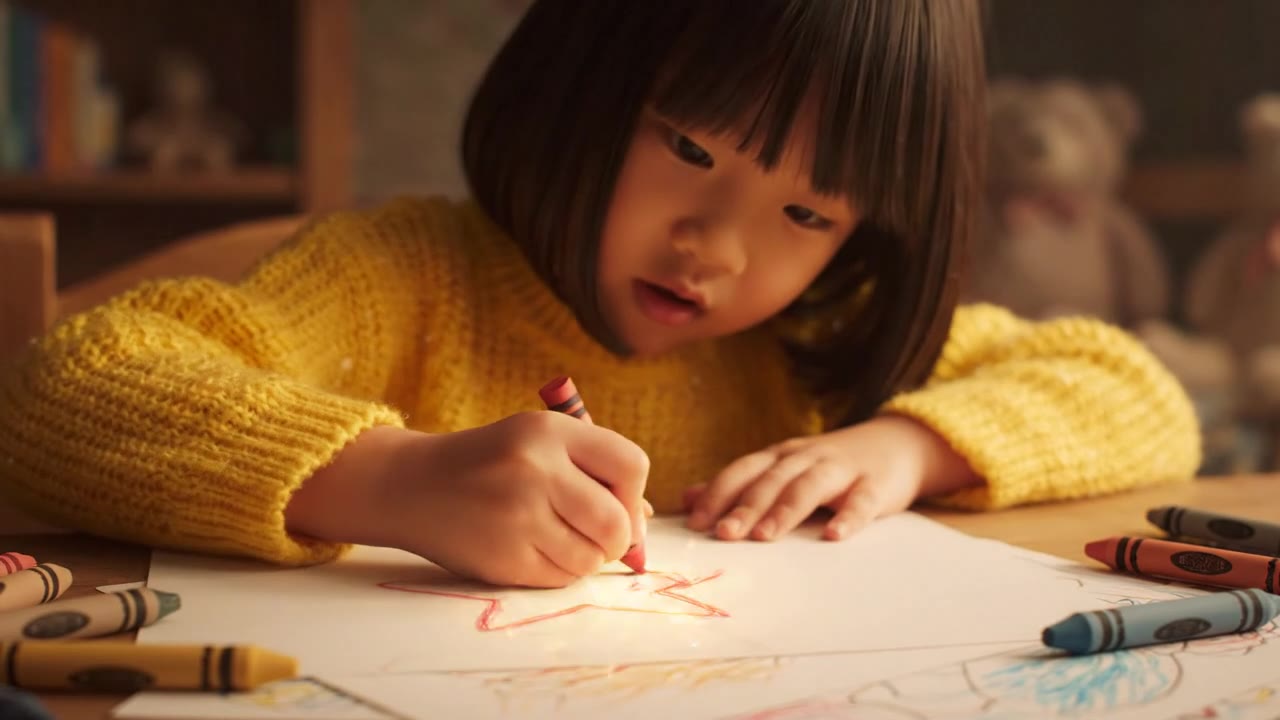
Synthesia's output is a fixed avatar on a template background. VO3 generates the entire frame: a factory floor, a desert road, a kitchen counter, a boardroom.
Camera moves, depth of field, lighting and props all come out of the same prompt, so the video looks like it was filmed instead of assembled.
Native Audio In One Pass
Dialogue, ambient room tone, footsteps, engine noise and background score are generated with the picture, not bolted on afterwards.
There is no separate text-to-speech step, no lip-sync drift, and no hunting for royalty-free sound effects to fill the silence.
Four Frontier Models, One Editor
Veo 3.1 for dialogue realism, Sora 2 for physics and long shots, Kling for stylised motion, Seedance for fast drafts.
Switch models on the same prompt and keep every render in one project library instead of paying four separate subscriptions.
Credits, Not Seat Licences
Synthesia bills per editor seat and caps your minutes per year. VO3 charges credits per video,
so a five-person marketing team pays for the twelve ads it actually shipped this month, not for four seats that sat idle. Unused credits stay in the account.
Any Language, Any Accent
Write the spoken line in Spanish, Portuguese, Japanese, Hindi or Arabic and the model performs it with matching mouth movement and regional delivery.
You are not limited to a dropdown of pre-recorded voice packs, and you can localise the same script into a dozen markets in an afternoon.
Draft To Final In Minutes
Most renders land in 60 to 180 seconds.
That turnaround is short enough to generate six variants of an ad hook, put them straight into a paid social test, and kill the losers before the end of the day.
Image-To-Video For Your Real Product
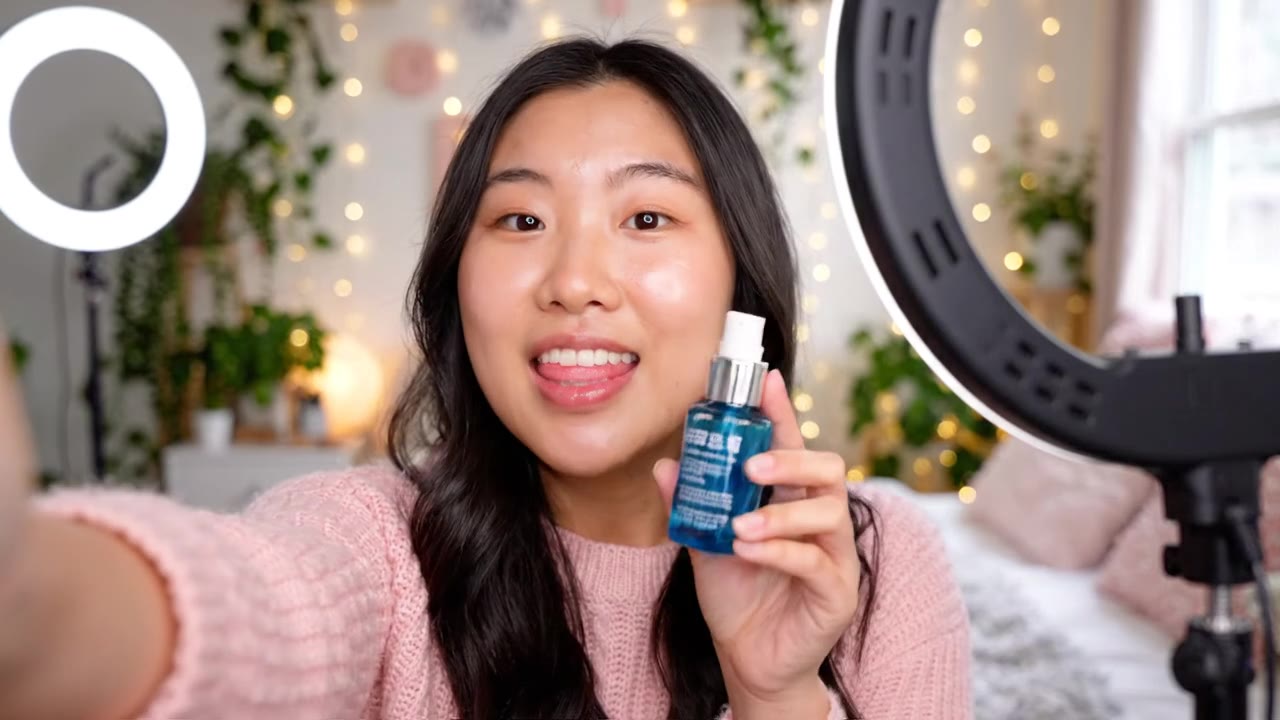
Upload a product photo, a store front or a founder headshot and animate it. The model keeps the actual object on screen,
which matters when the thing you are selling has a specific label, shape or colourway that a generic avatar scene would never get right.
Commercial Rights On Every Plan
Every video you generate on a paid plan can run as a paid ad, a landing page hero,
a marketplace listing or a client deliverable. There is no separate enterprise tier gate for commercial usage and no watermark burned into the export.
How To Make A Video Without An Avatar Library
Describe The Shot, Not Just The Script
Type who is on screen, where they are, how the camera moves and exactly what they say in quotes. A line like 'a barista in a sunlit cafe looks up and says "we roast every batch on site"' gives the model the scene and the dialogue at once.
Pick Your Model And Aspect Ratio
Choose Veo 3.1 when spoken delivery has to be perfect, Sora 2 for movement and physics, Kling or Seedance for cheaper drafts. Set 9:16 for TikTok and Reels, 16:9 for YouTube and web, 1:1 for feed placements.
Generate And Compare Variants
Run the prompt two or three times with different wording for the hook. Renders finish in about a minute each, so you can line up the options side by side and pick the one that actually holds attention past the first two seconds.
Download In 1080p And Ship
Export a watermark-free MP4 with the audio already mixed in, then upload it straight to Meta Ads, TikTok, YouTube, your Shopify product page or your email campaign. No editor round-trip and no voiceover session to book.
What Our Users Say
We ran Synthesia for eighteen months of onboarding videos, but the moment we needed product footage it fell apart. VO3 shoots the actual scene. We replaced a £4,200 studio day with about £60 of credits and our demo page conversion went up 23%.
Our agency bills nine retainer clients for short-form. Synthesia seats for the team were $4,000 a year before we made a single ad. On credits we spend roughly $180 a month and shipped 74 videos in July, which is a margin change we could actually feel.
Native audio is the whole reason we moved. We were exporting from an avatar tool, then paying a freelancer to add sound design on every cut. Now dialogue and ambience come out together and our per-video production time dropped from six hours to twenty minutes.
I localise the same 15-second spot into eight languages for our EU listings. Typing the line in Italian or Polish and getting correct mouth movement without a voice pack saved us about 30 hours per campaign cycle.
Real estate is all about the property, and a stock presenter in front of a slide sells nothing. I feed listing photos in as image-to-video and get a walkthrough-style clip. Listings with a generated video get 41% more saves than the ones without.
We test six hooks per creative concept. Waiting on a rendering queue used to make that impossible. One-minute renders mean I brief in the morning and have live ad variants by lunch, and our CPA on cold traffic is down 19% quarter over quarter.
Frequently Asked Questions
Ready to Get Started?
Join thousands of creators using our AI video platform to produce professional-quality content.