
Run Qwen Image 2.1 Online
Qwen Image 2.1
Generate, edit, and animate with Alibaba's open-weights Qwen-Image model straight from your browser — no GPU rental, no ComfyUI graph, no local install.
Qwen-Image 2.1 ships with the feature most image models still fumble: it can hold up to 10 reference images in a single prompt and keep the same face, product, and logo consistent across every frame it renders. On VO3 that runs as a hosted endpoint — you paste a prompt, drop your references, and get production-ready stills in seconds, then push them straight into image-to-video without leaving the tab.
Video Gallery
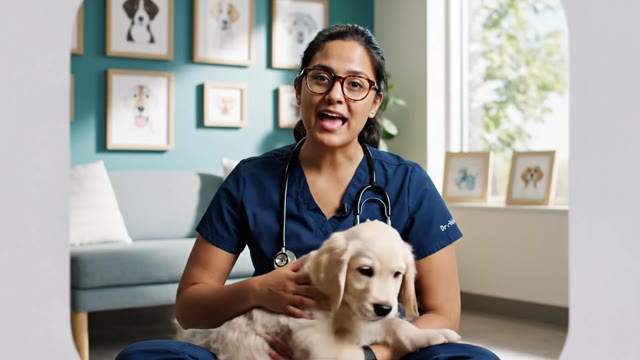
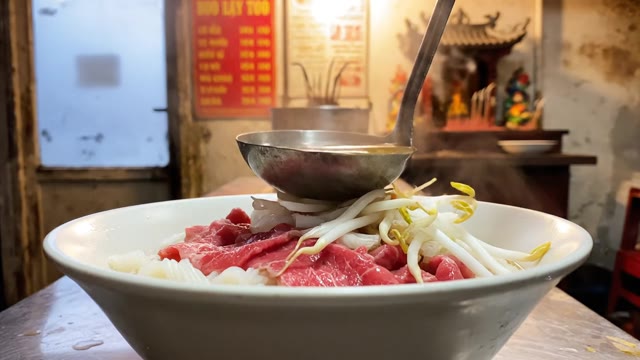
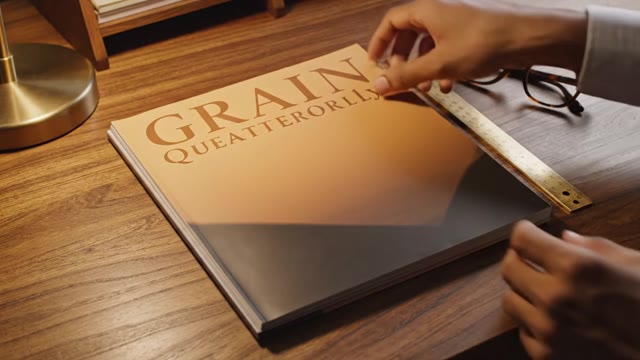
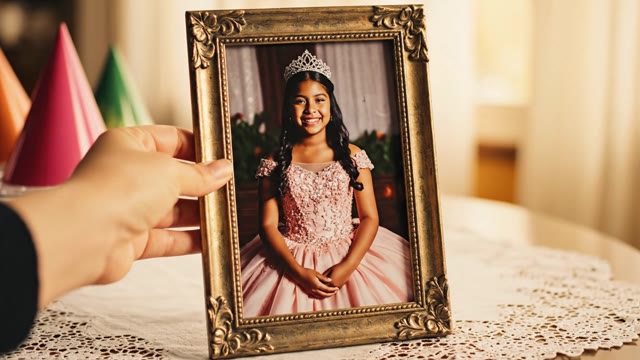

Why Run Qwen Image 2.1 on VO3
Up to 10 Reference Images
Qwen Image 2.1's headline capability is multi-reference conditioning. Feed it a product from three angles, a model's face,
and your logo sheet — it keeps all of them consistent in the same render instead of inventing a new face every generation. This is what makes it usable for campaign work rather than one-off art.
No Install, No GPU
The open weights are 20B+ parameters and realistically need 24GB+ of VRAM plus a working diffusers or ComfyUI setup.
Running Qwen Image online skips all of it — no CUDA version mismatch, no model download, no node graph to debug. It runs on our infrastructure and streams the result to your browser.
Accurate Text Rendering
Qwen-Image is the rare open model that can actually spell.
It renders readable English and Chinese type inside the image — packaging copy, storefront signage, poster headlines, UI mockups — without the usual melted-lettering artifacts that force a Photoshop pass.
Instruction-Based Editing
Point at an existing image and describe the change in plain language: swap the background, change the jacket color, remove the bystander,
restyle the lighting. Qwen Image 2.1 handles targeted edits while leaving the rest of the frame untouched, so you iterate instead of re-rolling.
Image to Video in One Place
A still is rarely the deliverable. Every image you generate can be handed directly to Veo 3, Kling, Hailuo,
or Seedance inside the same workspace to become a 5-10 second clip. Reference-locked still, then reference-locked motion, without exporting and re-uploading between tools.
Fast, Queued, Parallel
Run several prompts at once and keep working while they render. Generations land in your library with the prompt attached,
so a variant that worked three weeks ago is one click away from being re-run with a new reference set.
Commercial Use Included
Qwen-Image ships under a permissive open-weights license and everything you generate on a paid VO3 plan is
cleared for commercial use — client campaigns, paid social, marketplace listings, packaging comps. No separate licensing negotiation.
Credits, Not a GPU Bill
An A100 hour to self-host costs more than most people's monthly image budget, and it bills whether you generate or not.
Credit-based pricing means you pay per render, and unused capacity doesn't evaporate at the end of an idle afternoon.
How to Run Qwen Image Online
Open the Creator and Pick Qwen Image
Sign in and head to the create page. Select Qwen Image 2.1 from the model list — no download, no environment setup, no waiting on a 40GB checkpoint. Free credits are attached to every new account so you can test it before deciding anything.
Upload Your Reference Images
Drop in up to 10 references: product shots from multiple angles, a model's face, your brand's logo, a color board, a lighting mood. The more consistent your reference set, the tighter the identity lock across generations.
Write the Prompt
Describe the scene, the framing, and the lighting, and name any text you want rendered in the image verbatim. Qwen Image 2.1 responds well to shot-language — 'wide shot, eye-level, golden hour, shallow depth of field' — rather than keyword soup.
Generate and Refine
Renders land in seconds. Keep the one that works and use instruction-based editing to adjust it — change the background, fix the color, drop an element — instead of re-rolling the whole prompt and losing the composition you liked.
Animate or Export
Download at full resolution, or send the image straight into image-to-video and get a 5-10 second clip for paid social, a product page, or a pitch deck. Everything stays in your library with prompts and references attached.
What Our Users Say
We shoot 400+ SKUs a season and the photography bottleneck was killing our launch calendar. Running Qwen Image online with our product references cut per-SKU cost from about $85 of studio time to under $2, and the multi-reference consistency means the same handbag reads identically across all nine lifestyle backgrounds.
The text rendering is the reason we switched. We localize packaging comps into English and Chinese, and every other model turned the copy into gibberish that our client could not sign off on. Qwen Image 2.1 renders both scripts legibly, which took a two-day Photoshop cleanup pass down to about twenty minutes.
I tried self-hosting the open weights first. Three evenings gone to CUDA errors and a rented GPU I was paying for while I debugged. Running Qwen Image online got me generating in four minutes flat, and my monthly spend dropped from roughly $310 in GPU rental to around $40 in credits.
Our agency pitches with full campaign boards, not mood boards. Generating the key visual with locked talent and product references, then animating the best three frames in the same tool, let us take pitch turnaround from nine days to two. We closed 38% more of the pitches we entered last quarter.
Real estate listings live or die on the hero image. We use it to restage empty rooms and fix the lighting on agent-shot photos. Listings with the regenerated hero image are getting roughly 2.3x the click-through of the raw phone shots, on the same portal and the same price band.
Frequently Asked Questions
Ready to Get Started?
Join thousands of creators using our AI video platform to produce professional-quality content.