AI Music Video Generator
Music Video

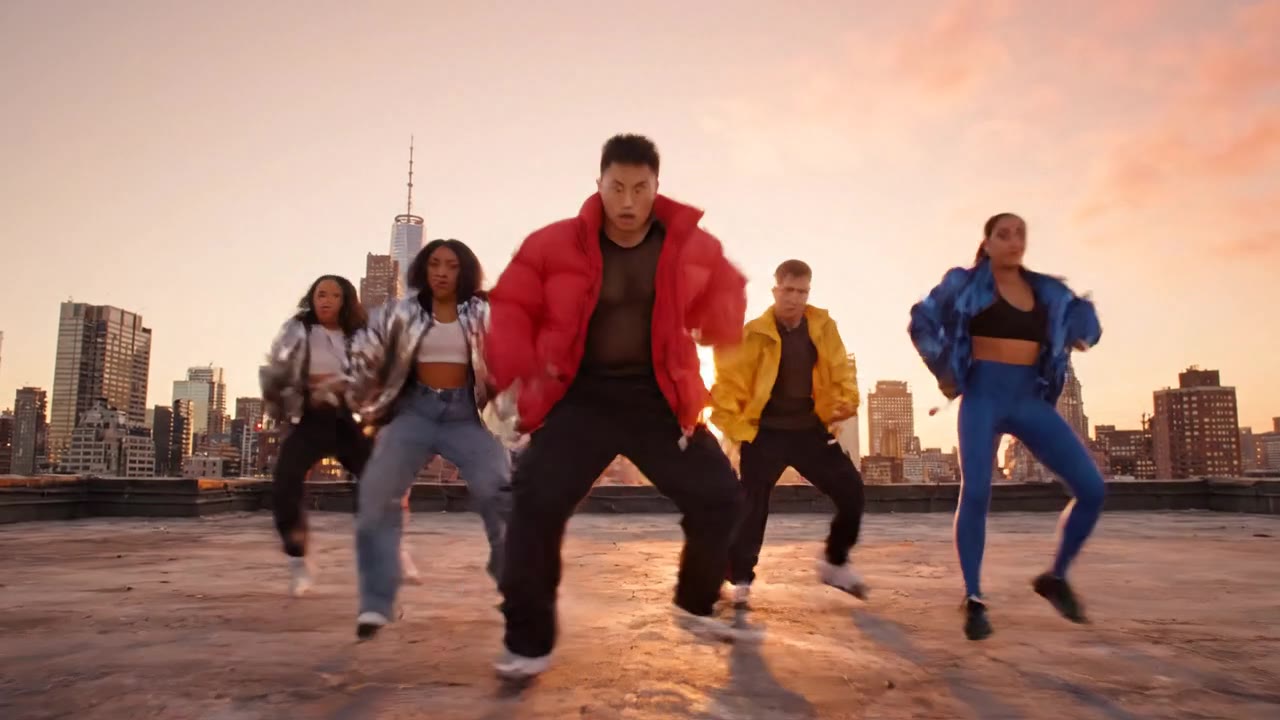
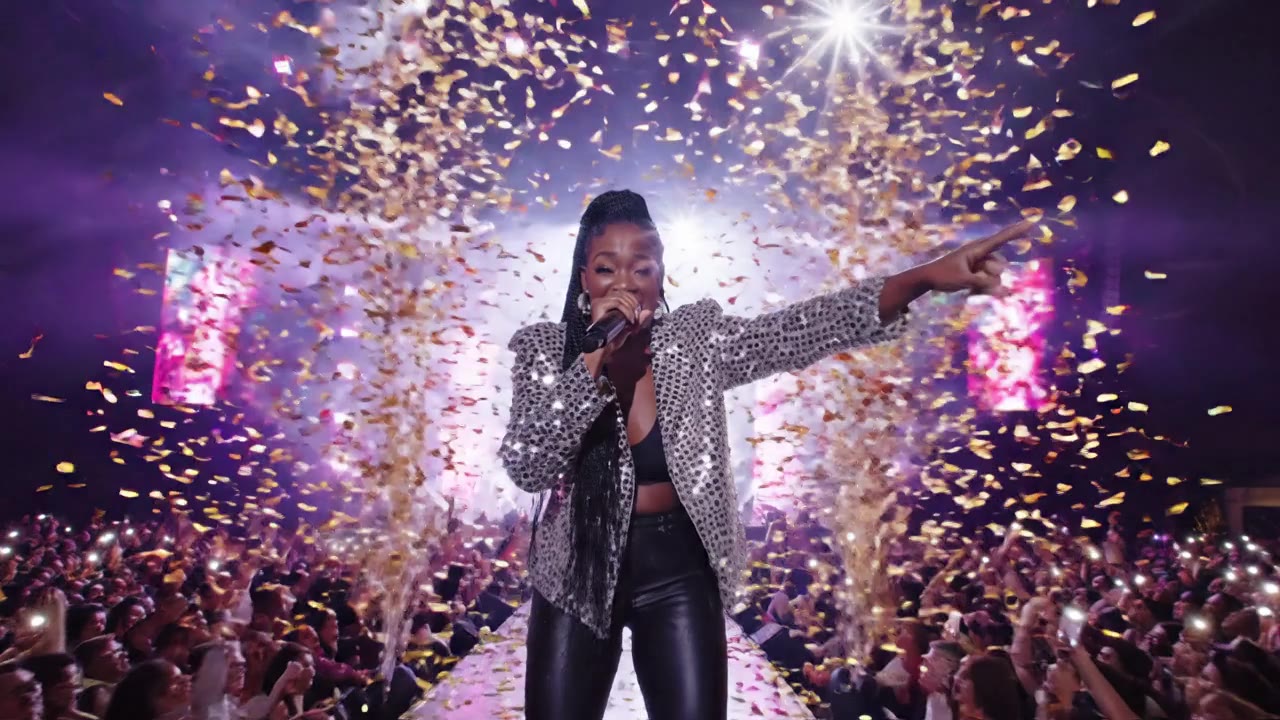
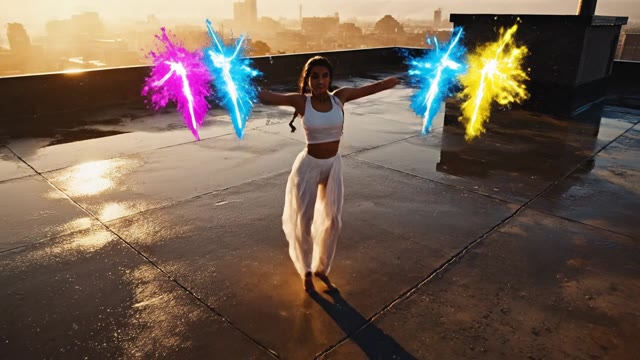
Turn any song, lyric, or vibe into a cinematic music video in minutes — no shoot, no editor, no budget.

Upload your track or describe the mood. Our AI music video generator scores scenes to the beat, syncs performers to your lyrics, and renders broadcast-quality MVs ready for YouTube, TikTok, and Spotify Canvas.

↓ Scroll to explore
Featured Video

Video Gallery

Video

VIDEO SCRIPT Title: IFMSO Interclass Finals Announcement S…

VIDEO SCRIPT Title: IFMSO Interclass Finals Announcement SCENE 1 – FOOTBALL FIELD (IFM STADIUM) – DAY Wide cinematic shot of IFM Stadium football field. A few people are seen walking around the fi

Video

A bright, illustrated cartoon town scene inspired by a cozy…

A bright, illustrated cartoon town scene inspired by a cozy American main street, with simple storefronts in warm, friendly colors. The Mrida Seva Yoga Studio logo is clearly displayed on a cartoon st

Video

A determined golfer in a crisp polo shirt shakes their head…

A determined golfer in a crisp polo shirt shakes their head with a wry, knowing smirk, then carefully tees up another golf ball with focused precision. The scene is set on a lush, sun-drenched fairway

Video

An elegant executive office with cinematographic lighting. T…

An elegant executive office with cinematographic lighting. Two people are visible: EDMAR (HUMAN VERSION) - Seated at center, relaxed posture, close to JOSEANE. JOSEANE - Seated beside Edmar Human,

Video

Animate the woman in this video so that she's walking on the…

Animate the woman in this video so that she's walking on the tradmill and typing on her laptop at the same time. in a cinematic scene with professional lighting, shallow depth of field, and movie-qual

Video

Ultrarealistic exterior shot wide-screen of classic brownst…

Ultrarealistic exterior shot wide-screen of classic brownstone buildings in a steampunk-inspired Manhattan, featuring brass and copper architectural details with visible steam vents. The man and city

Why Artists Choose Our AI Music Video Generator

Mic2

Lyric-Locked Lip Sync

Paste lyrics and your performer mouths each line in perfect time.
Built-in phoneme alignment matches mouth shapes to your vocal — works for English, Spanish, Korean, Japanese and 30+ more languages.

Sparkles

Cinematic Look Library

Pick from 40+ MV-ready aesthetics — Y2K bedroom pop, dark-academia, neon city, festival stadium, anime intro,
golden-hour desert. Each look ships with camera moves, color grade, and lens choice tuned to the genre.

Wand2

Prompt-to-MV in One Brief

Write one paragraph — mood, story,
artist look — and the generator builds a 60-90 second music video around it. Shot list, performer continuity, and beat map are handled automatically.

Layers

Multi-Shot Continuity

The same artist, outfit, and location stay locked across every cut.
Trained on identity-preserving diffusion so your lead looks like the same person from verse 1 to the bridge.

Smartphone

Vertical and Horizontal Exports

Render once, ship everywhere. Auto-reframes to 9:16 for TikTok and Reels,
16:9 for YouTube, and 1:1 for Spotify Canvas with safe-area aware crops.

Clock

Audio Upload to Final in Under 10 Minutes

Drop your MP3 or WAV and walk away.
A typical 90-second music video finishes in 7-9 minutes — fast enough to iterate three or four versions in a single session.

Shield

Commercial Rights Included

Every video rendered on a paid plan is cleared for commercial release on YouTube Content ID,
Spotify, Apple Music, and TikTok — no watermark, no usage caps, no rights surprises.

How the AI Music Video Generator Works

1

Upload Your Track or Describe the Vibe

Drop a finished song (MP3, WAV, FLAC) or just describe the mood in plain English. The generator pulls BPM, key, vocal location, and energy curve automatically — even without an audio file you can prompt 'dreamy lo-fi at sunset, female vocalist'.

2

Pick a Look or Describe the Story

Choose a preset MV aesthetic — neon stage, desert road trip, bedroom pop, anime opening — or write your own concept paragraph. Reference an artist or movie if you want a specific influence.

3

Lock the Artist and Lyrics

Upload one photo of the performer (or generate one) plus your lyric sheet. The model locks identity across every shot and aligns mouth shapes to the vocal timing.

4

Generate and Iterate

First render is ready in about eight minutes. Don't love a shot? Regenerate that one cut without rebuilding the whole video. Most artists ship in 2-3 passes.

5

Export for Every Platform

One click outputs vertical for TikTok and Reels, horizontal for YouTube, and square for Spotify Canvas — all in 4K, all watermark-free on paid plans.

What Our Users Say

We made the full MV for our single in one afternoon. Old budget was $14,000 for a one-day shoot — this run cost us $89 and got 410K views in two weeks.

M
Marcus ReyesIndependent R&B Artist, Atlanta

I run a lo-fi YouTube channel with 1.2M subs. The beat-sync editor alone saves me 6 hours per upload. Watch time per video is up 38% since I switched.

H
Hana ParkLo-Fi Channel Owner, Seoul

We service 14 indie labels. Before this we'd outsource lyric videos for $300 a pop with a 5-day turnaround. Now we ship same-day at margin our artists can finally afford.

D
Daniel WhitfieldFounder, Crescent Visuals (Music Marketing Agency)

Released three singles this quarter and made the MV for each one using the AI music video generator. Spotify Canvas exports alone bumped our save rate by 22%.

E
Eliana SousaIndie Pop Artist, São Paulo

I produce K-pop trainee demos. We needed to attach a teaser video to every pitch deck and the human cost was killing margins. Cut our pre-debut content cost by 71%.

J
Jiwon LeeA&R Producer, Independent K-Pop Label

Used to wait two months and pay $8K for a music video. Now I drop a single every three weeks with a new MV that actually looks like the song — and my Patreon doubled.

T
Theo LambertSynthwave Producer, Berlin

Frequently Asked Questions

It takes a song (or a description of one) and produces a finished music video with beat-synced cuts, lip-synced performers, and cinematic camera work. Upload an MP3, pick or describe a look, and it returns a 60-90 second MV ready for YouTube, TikTok, Reels, and Spotify Canvas. No editor, no shoot day, no rights paperwork.

No. The music video generator works two ways. If you upload audio, the AI extracts BPM, key, vocal timing, and energy curve to drive cuts and lip sync. If you don't have audio yet, you can describe the song in plain English ('uptempo synth-pop, female vocal, breakdown at 0:45') and the generator builds visuals matched to that brief — useful for pitch decks and pre-release teasers.

Yes. Upload one reference photo of yourself, your artist, or any face you have rights to, and identity stays locked across every shot in the music video. If you don't have a reference, you can describe the performer ('20s, dark curly hair, oversized denim jacket') and the AI music video generator creates one consistent character.

Videos rendered on any paid plan are cleared for commercial release. That includes YouTube monetization, Spotify Canvas, Apple Music, TikTok, Instagram Reels, and paid advertising. No watermark, no royalty share, no per-view fees. Free tier renders carry a small watermark and are limited to non-commercial use.

A 60-90 second music video typically finishes in 7-10 minutes from upload to final render at 1080p. 4K renders take roughly twice as long. You can queue several variations in parallel — most artists generate 2-3 looks and pick their favorite, which still beats a one-week edit on a traditional shoot.

Lip sync is trained on 32 languages including English, Spanish, Portuguese, French, German, Korean, Japanese, Mandarin, Cantonese, Hindi, Arabic, Turkish, and Indonesian. Mouth shapes align to phonemes, not just word boundaries, so the vocal feels naturally performed rather than dubbed.

Generic text-to-video generators make a clip — they don't understand a song's structure. The AI music video generator is built around music: it reads BPM and vocal location, cuts on the downbeat, places the chorus visual at the energy peak, and renders multiple aspect ratios sized for music platforms. You get an actual MV, not a stitched-together montage.

Yes. Each scene in the timeline is independently editable. If the bridge shot didn't land, click regenerate on that scene only — the rest of the music video stays intact, including performer identity and color grade. This shot-level control is what makes most artists ship in 2-3 passes instead of redoing the whole render.

Ready to Get Started?

Join thousands of creators using our AI video platform to produce professional-quality content.