
ChatGPT Images 2.6 Explained
Images 2.6
OpenAI's latest image model generates 50% faster than Images 2.5 and can now output short GIFs — VO3 takes those stills further, into full AI video with motion, camera moves, and sound.
OpenAI released ChatGPT Images 2.6 on November 4, 2026, across ChatGPT, Codex, and the API. It is a speed and workflow upgrade: faster generation, animated GIF output from prompts or photos, and reference images you can save and reuse for consistent results. A GIF is a loop, though, not a video. When you need a real clip for an ad, a product launch, or a social post, generate your still in ChatGPT and bring it into VO3 to animate it with Veo 3, Kling, Hailuo, and other leading video models.
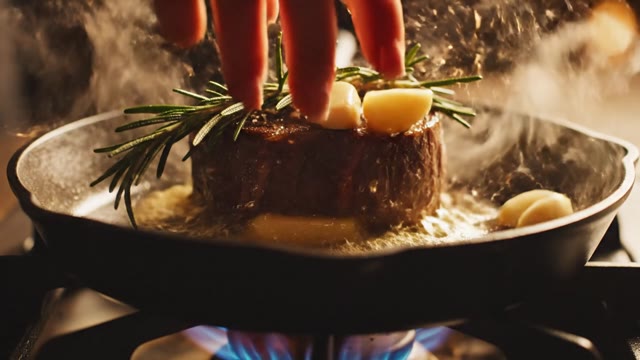
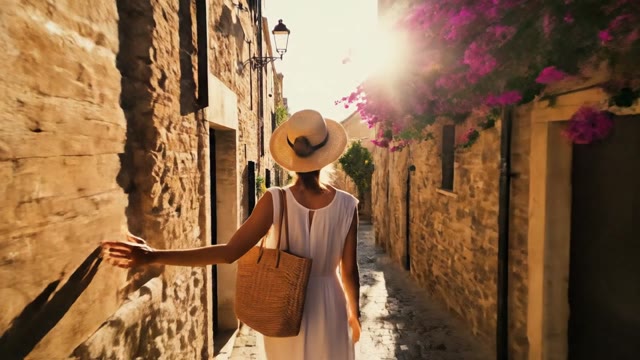
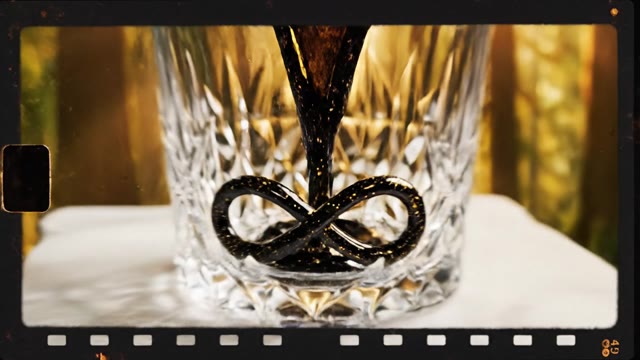
Video Gallery


What's New in ChatGPT Images 2.6
50% Faster Than Images 2.5
OpenAI says Images 2.6 generates images about 50% faster than its predecessor, Images 2.5. For anyone iterating on ad concepts or thumbnails,
that means more variations per session and less time staring at a progress bar. Faster drafts also make it practical to generate several candidate stills before choosing which one to animate into video.
Animated GIF Creation
The headline feature: ChatGPT can now turn a prompt or an uploaded photo into an animated GIF. That is great for reactions, stickers, and lightweight loops. GIFs have no audio, limited length,
and a reduced color palette, so for a social ad or product demo you still want a real video file. VO3's image-to-video models produce MP4 clips with smooth motion and, on Veo 3, native audio.
Reusable Reference Images
Images 2.6 lets you save reference images and reuse them across edits, so a mascot, product,
or character stays consistent from one generation to the next. Consistency carries into video as well: feed those same on-model stills into VO3 and every clip in a campaign keeps the same look.
Two API Variants: Flare and Sunburst
Developers get two API models, GPT-Image-2.6 Flare and GPT-Image-2.6 Sunburst, plus availability inside Codex.
If you're building an automated pipeline that generates images programmatically, those outputs can then be passed to a video model for animation, the same image-then-video flow VO3 runs in one interface.
Available on Every ChatGPT Tier
OpenAI rolled Images 2.6 out globally to ChatGPT and Codex across all subscription tiers on desktop, mobile, and web.
Free users can try the new model, which makes it one of the most accessible ways to create a high-quality starting frame for an AI video.
Compare It With Nano Banana on VO3
VO3 already includes Google's Nano Banana and Nano Banana Pro, along with Flux Kontext and Qwen Image, for image generation and editing.
Run the same prompt through ChatGPT Images 2.6 and Nano Banana, compare text rendering, faces, and product detail, and send the winner straight to a video model without leaving VO3.
From Still to Video in One Step
The biggest gap in any image model is motion. Upload your ChatGPT Images 2.6 output to VO3, describe the movement you want — a slow push-in,
a product rotation, hair moving in the wind — and choose from Veo 3, Kling, Hailuo, Seedance, and more. You get a share-ready clip in minutes.
Commercial-Ready Output
Videos you generate on a paid VO3 plan come without watermarks and can be used for ads, client work, and e-commerce listings.
Pair the faster iteration of ChatGPT Images 2.6 with VO3's video models and you have a complete creative pipeline for marketing content.
How to Turn ChatGPT Images 2.6 Stills Into Video
Generate Your Image in ChatGPT
Open ChatGPT and prompt Images 2.6 for the frame you want: subject, setting, lighting, framing, and any on-image text. If you need the same product or character across a campaign, save it as a reference image so every generation stays on-model.
Download the Full-Resolution Still
Save the image itself rather than the GIF. A high-quality still gives the video model far more detail to work with than a compressed GIF frame, which shows up as sharper textures and steadier motion in the final clip.
Upload It to VO3 Image-to-Video
Head to VO3's create page, choose image-to-video, and upload your still. Pick a model to match the job: Veo 3 for cinematic shots with native audio, Kling for character motion, Hailuo or Seedance for fast, affordable drafts.
Describe the Motion and Generate
Write a short motion prompt covering camera movement, subject action, and mood, then generate. Review the result, adjust the prompt or switch models, and download a clip ready for TikTok, Reels, YouTube Shorts, or your product page.
What Our Users Say
We draft every product hero in ChatGPT Images 2.6 now, since it's fast enough to try fifteen concepts in a morning. The two best go into VO3 and come out as six-second Veo 3 spots. Our paid social CTR went up 34% after we switched from static images to these clips.
Reference images in Images 2.6 finally keep our mascot consistent. We animate those stills on VO3 with Kling, and a 12-video campaign that used to cost us $4,800 with a freelance animator now takes two afternoons.
The GIFs are fun for Slack, but clients want MP4s with sound. I generate the frame in ChatGPT, animate it in VO3, and deliver listing videos for real estate agents at about a third of my old production time.
We A/B'd ChatGPT Images 2.6 against Nano Banana Pro inside the same VO3 workflow. Each won on different product shots, and being able to compare them and then animate the winner in one tool saved our team roughly 10 hours a week.
Frequently Asked Questions
Ready to Get Started?
Join thousands of creators using our AI video platform to produce professional-quality content.