
Start → End Animation
Upload a start frame and end frame — WAN 2.7 AI generates smooth, natural motion between them.
Model
Start Frame
or select from my creations→
End Frame
or select from my creations··200 credits
Example: Start → End Animation
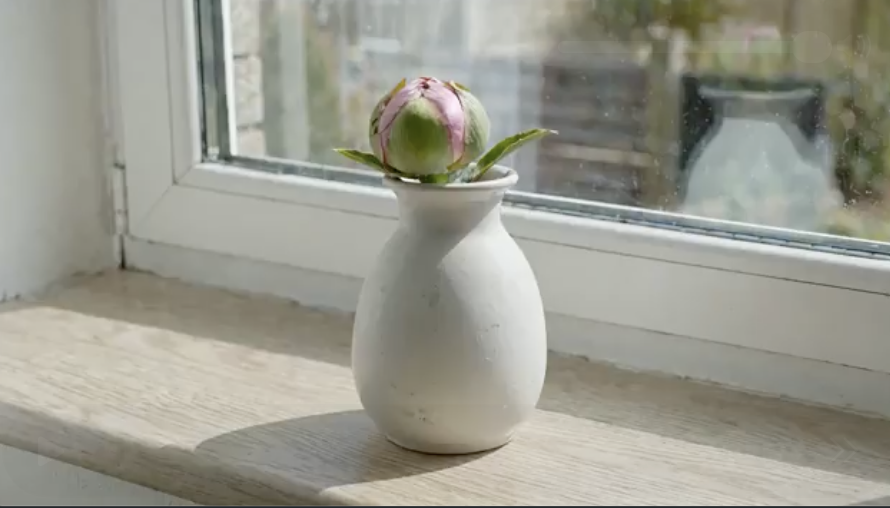 START
START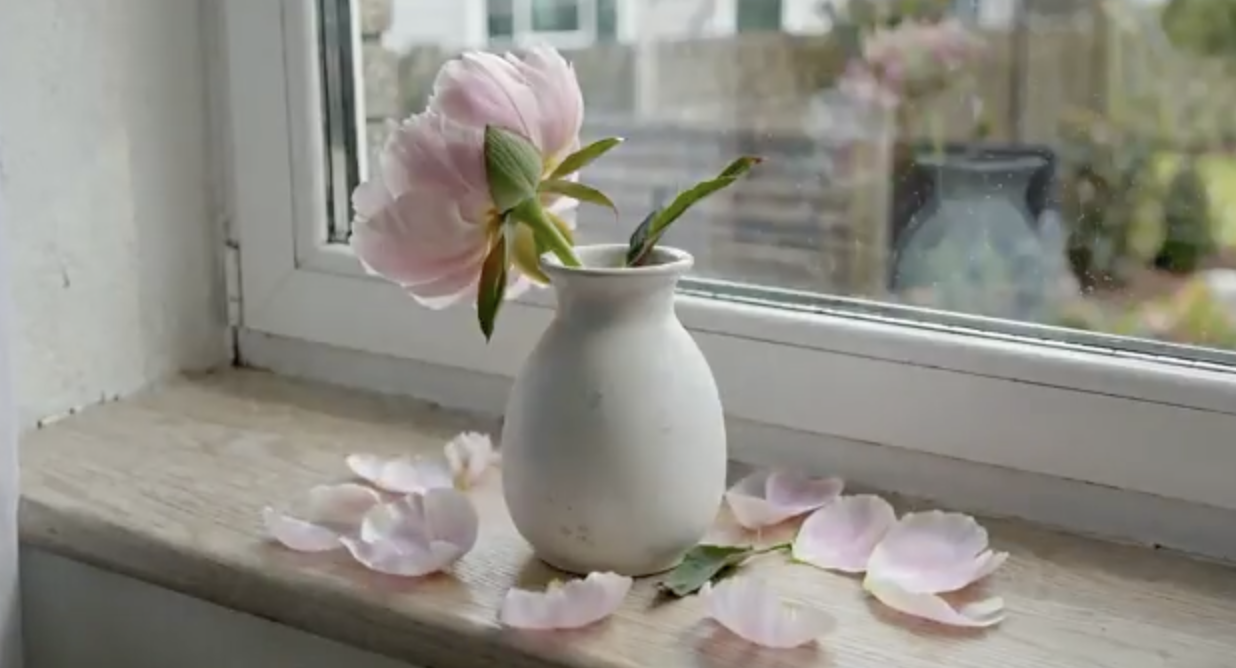 END
ENDPrompt: "A flower blooming and wilting over two weeks, one photo per day."
HOW IT WORKS
Three simple steps
Frequently Asked Questions
Powered by WAN 2.7
View Pricing →