
Generate Click-Worthy Thumbnails Instantly
Click-Worthy Thumbnails
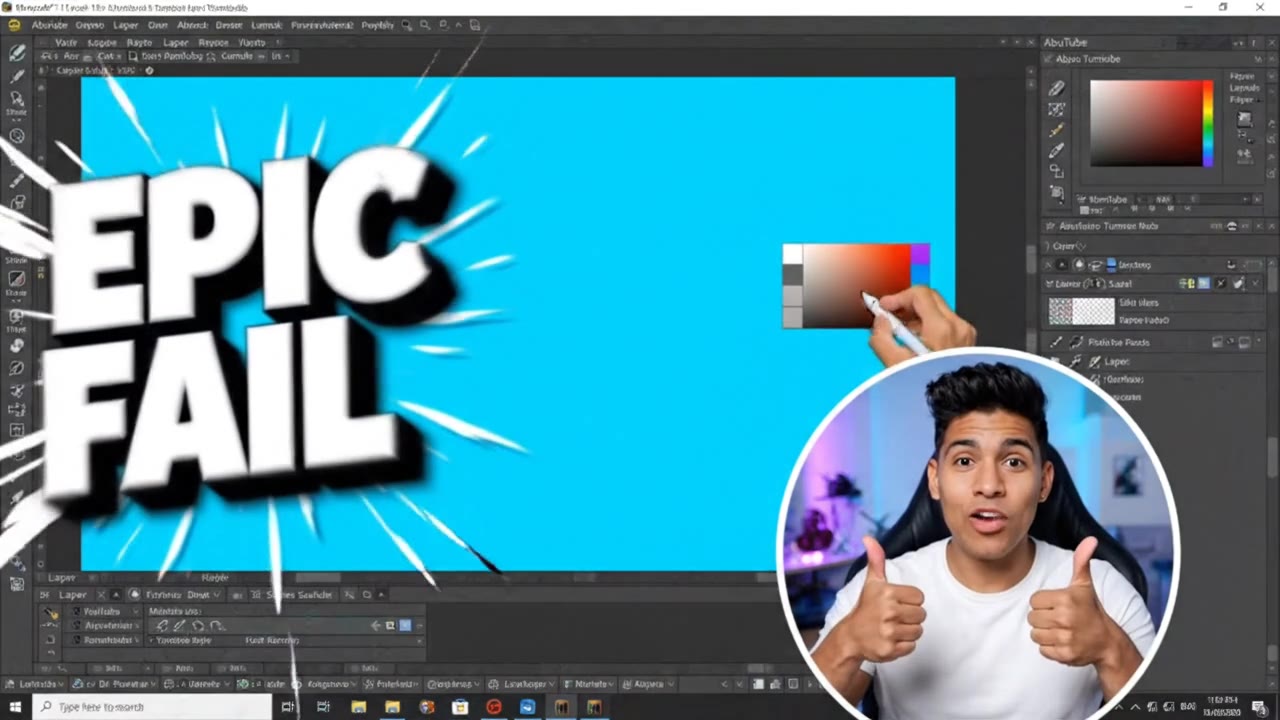
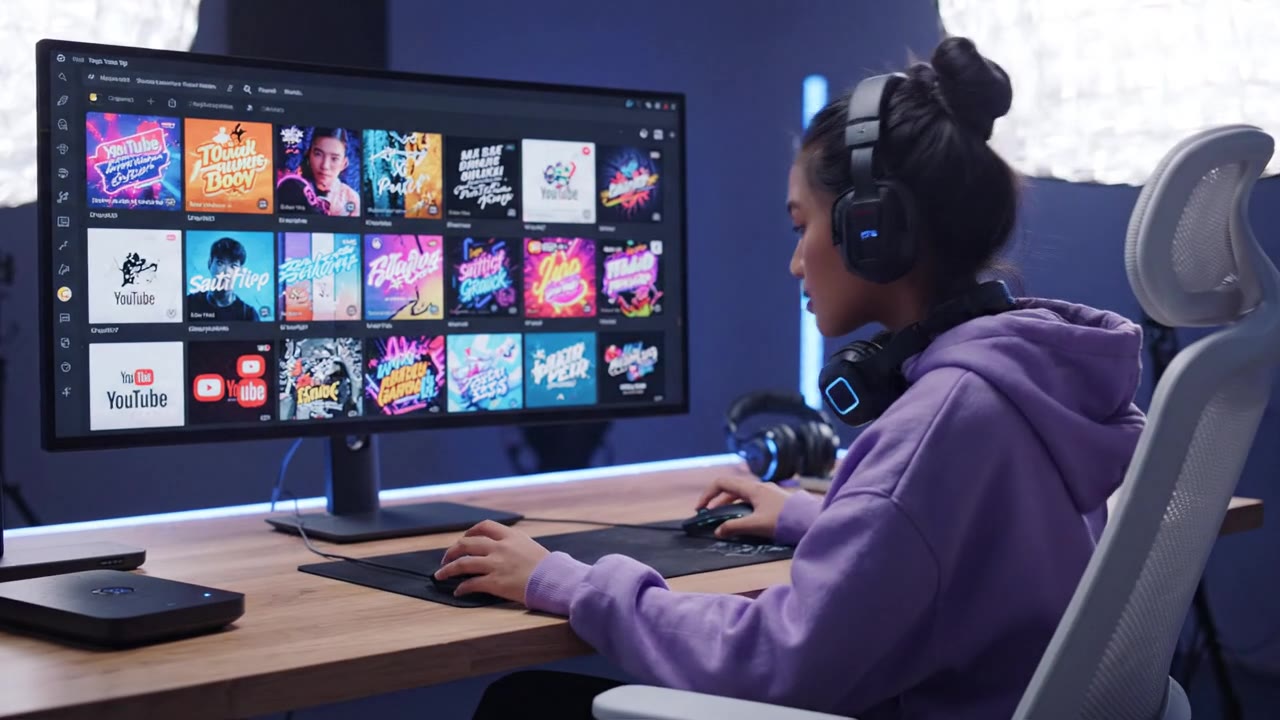
Turn any idea into a high-CTR YouTube thumbnail in seconds with our AI thumbnail generator—no design skills required.
Describe your video, pick a style, and let AI render a bold, eye-catching thumbnail ready to upload. Test variations, boost your click-through rate, and grow your channel faster.
Video Gallery
Why Creators Choose Our AI Thumbnail Generator
Built for High CTR
Every layout is engineered around what makes viewers click—bold focal points,
high contrast, and readable text—so your click-through rate climbs instead of stalling.
Prompt-to-Thumbnail in Seconds
Just describe your video. The AI thumbnail generator renders a finished,
upload-ready design in seconds—no Photoshop, no layers, no design degree required.
Instant A/B Variations
Generate multiple thumbnail concepts at once and test which one wins.
Swap colors, expressions, and text styles to find your highest-performing design.
Crisp, Readable Text
Add punchy titles that stay legible at any size—from desktop to
the tiny mobile feed—so your message lands even on a small screen.
HD, Platform-Ready Output
Export sharp 1280×720 thumbnails sized perfectly for YouTube,
plus aspect ratios that fit Shorts, podcasts, and course covers.
On-Brand Every Time
Lock in your channel colors, fonts,
and style so every thumbnail looks consistent and instantly recognizable across your library.
How to Make a Thumbnail with AI
Describe Your Video
Type what your video is about and the vibe you want—dramatic, fun, minimalist, or bold. Add a title line if you want text baked in.
Generate Thumbnail Options
The AI thumbnail generator produces several click-worthy concepts in seconds, each with strong composition and eye-catching color.
Tweak & Refine
Adjust the text, swap the background, or regenerate a variation until the design matches your channel's look perfectly.
Download & Upload
Export your HD thumbnail in the right size and upload it straight to YouTube—ready to start earning more clicks immediately.
What Our Users Say
We replaced our $400/mo freelance designer with this AI thumbnail generator and our average CTR jumped from 4.1% to 6.8% in six weeks. It paid for itself almost instantly.
I run a daily gaming channel and used to spend two hours a day on thumbnails. Now it takes five minutes and my click-through rate is actually higher. Game changer for output.
As an agency we ship thumbnails for 12 client channels. This cut our design turnaround by 70% and let us A/B test variations we never had time to make before.
I'm a course creator, not a designer. I made 30 lesson thumbnails in one afternoon that look completely on-brand. Enrollment from my YouTube funnel is up 23%.
Frequently Asked Questions
Ready to Get Started?
Join thousands of creators using our AI video platform to produce professional-quality content.