
Turn Tracks Into AI Music Videos
AI Music Videos
Beat-synced cinematic visuals with native audio — generated from a prompt or your own song.
Drop in lyrics, upload an audio reference, or describe the mood. VO3 picks the right model (Veo 3.1 for sync audio, Kling for stylized performance, Wan for stylized motion) and renders a high-resolution music video in minutes.
Video Gallery
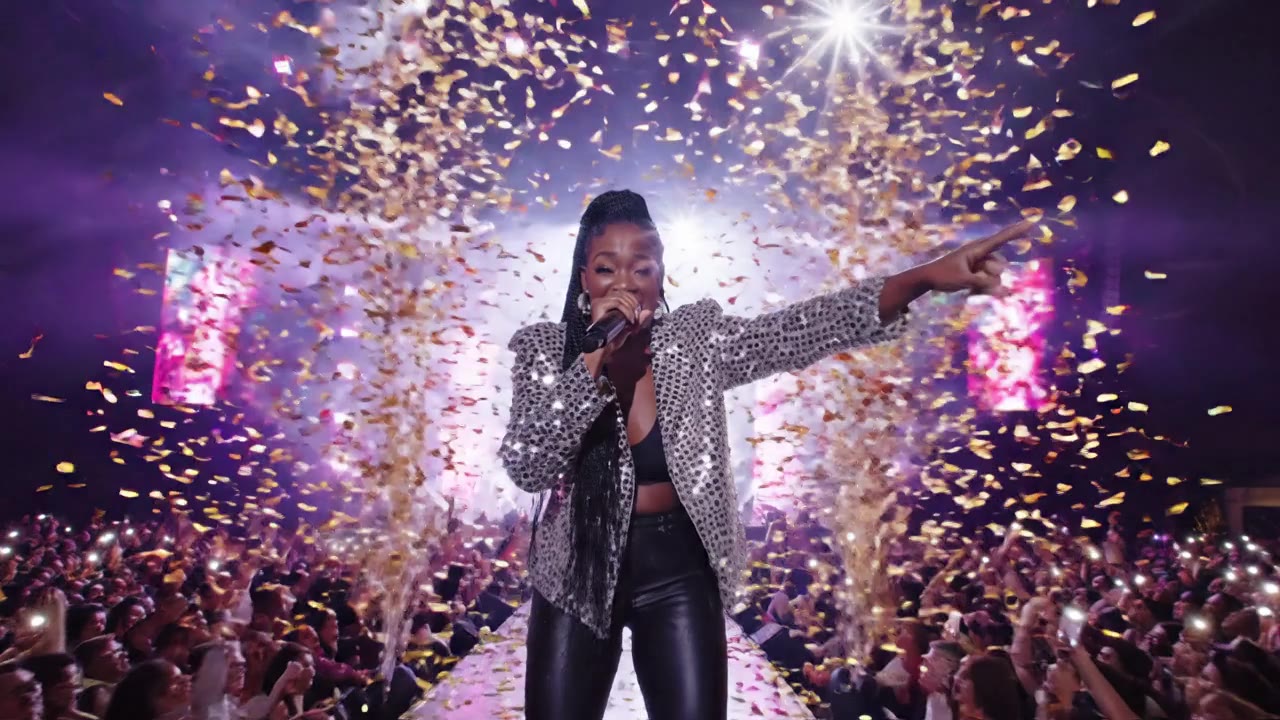
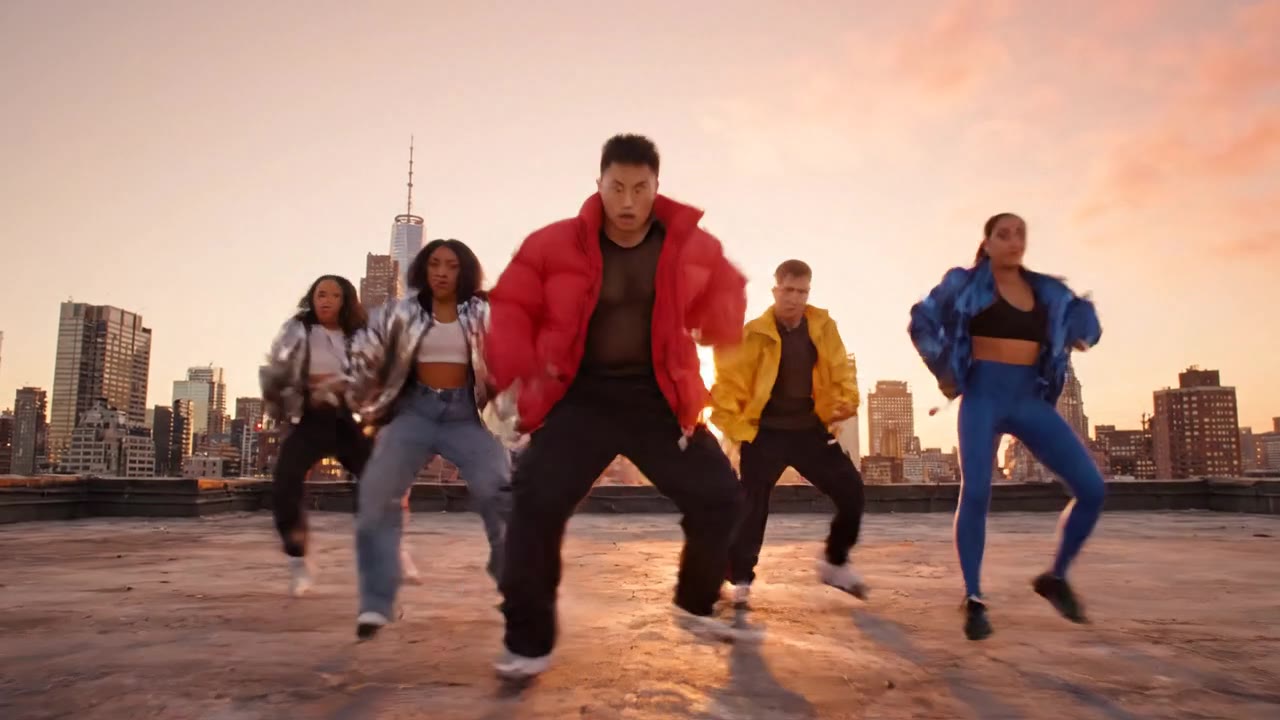
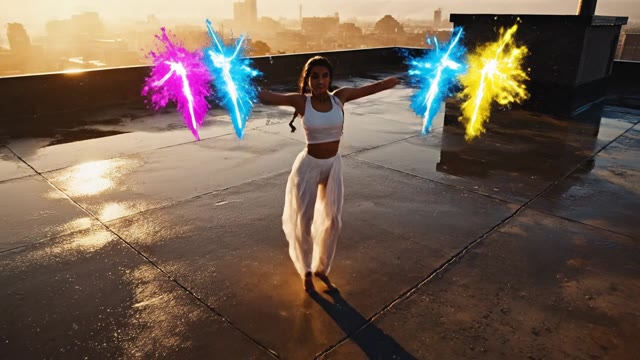


Why VO3 for AI Music Videos
Native Audio Generation
Veo 3.1 generates vocals, instruments,
and ambient sound in-frame — no separate soundtrack to sync. Your AI music video ships with audio baked in.
Beat-Synced Visual Cuts
Prompt for BPM and beat drops; the model anchors camera moves, lighting shifts,
and lip-sync to musical hits instead of drifting across the timeline.
Multi-Genre Style Range
Pop, lo-fi, EDM, indie, hip-hop, K-pop,
acoustic — each genre has reference prompts and tuned models so you don't fight defaults to get the look right.
Smart Model Routing
Veo 3.1 for synced audio + lip-sync, Kling 3.0 for stylized performance shots,
Wan 2.7 for narrative music video sequences — VO3 picks the right one per scene.
Lyric & Reference Inputs
Paste lyrics for on-screen typography moments,
or upload a reference track to bias mood, tempo, and visual style toward your direction.
Image-to-Music-Video
Start from a character portrait, album cover,
or storyboard frame — image-to-video keeps your visual identity locked across every shot.
Render In Under 5 Minutes
8-second clips render in 90–180 seconds on Veo 3.1 Lite,
longer cinematic clips in 3–5 minutes on full Veo 3.1. No GPU rental, no After Effects.
1080p MP4 Commercial Use
Export 1080p MP4s with full commercial-use rights on paid plans — release
the music video to Spotify Canvas, YouTube, TikTok, or Reels without licensing headaches.
How To Make an AI Music Video
Describe the Track and Mood
Write the genre, BPM, lyric snippets, and visual vibe — e.g. "110 BPM synthpop, neon rooftop, female vocalist, melancholy chorus." Or upload a reference audio clip and lyrics.
Pick a Model and Aspect Ratio
Veo 3.1 for native audio + lip sync, Kling 3.0 for stylized choreography, Wan 2.7 for story-driven cuts. Choose 16:9 for YouTube, 9:16 for TikTok or Reels, 1:1 for Spotify Canvas.
Generate Each Scene
VO3 renders 8-second beat-synced shots. Iterate on prompts until each scene lands — every retry shows you exactly how credit cost maps to model and resolution.
Stitch and Refine
Use VO3's timeline to sequence scenes against the full track. Adjust transitions, drop in lyric typography, and re-roll any scene that drifts off the beat.
Export and Publish
Download 1080p MP4, publish to YouTube as the official music video, post to Spotify Canvas, or cut a 9:16 version for TikTok and Instagram Reels.
What Our Users Say
We released three singles this quarter with AI music videos from VO3 instead of $4,000-per-video shoots. Average save: $11,800 per release, with 38% higher YouTube watch-through than our older live-action videos.
I'm a bedroom producer with a Spotify catalog of 47 tracks. VO3 lets me ship a Canvas for every single in under 15 minutes — my monthly streams jumped 62% after Spotify started recommending tracks with visuals.
Our K-pop training agency uses VO3 to mock up music video concepts before booking the real shoot. Cut pre-production approval cycles from 6 weeks to 8 days and saved $32K in storyboard revisions last quarter.
For ad music — jingles, in-game tracks, mobile game promo songs — we ship a finished music video in the same sprint. VO3 replaced a $7K/month freelance motion-graphics retainer with a $59 subscription.
Lo-fi YouTube channel here, 240K subs. I generate 4–6 visualizer music videos a week with VO3 and the lip-sync on cameo features looks frighteningly good. Watch time per video up 22% YoY.
We pitched a record label with an AI music video deck made entirely in VO3 over a weekend. Signed the deal Monday. Would have cost $25K and 4 weeks with a traditional production house.
Frequently Asked Questions
Ready to Get Started?
Join thousands of creators using our AI video platform to produce professional-quality content.