Storyboard-to-Video Workflow: The 3-Step AI Animatic Trick That Reduces Wasted Clips
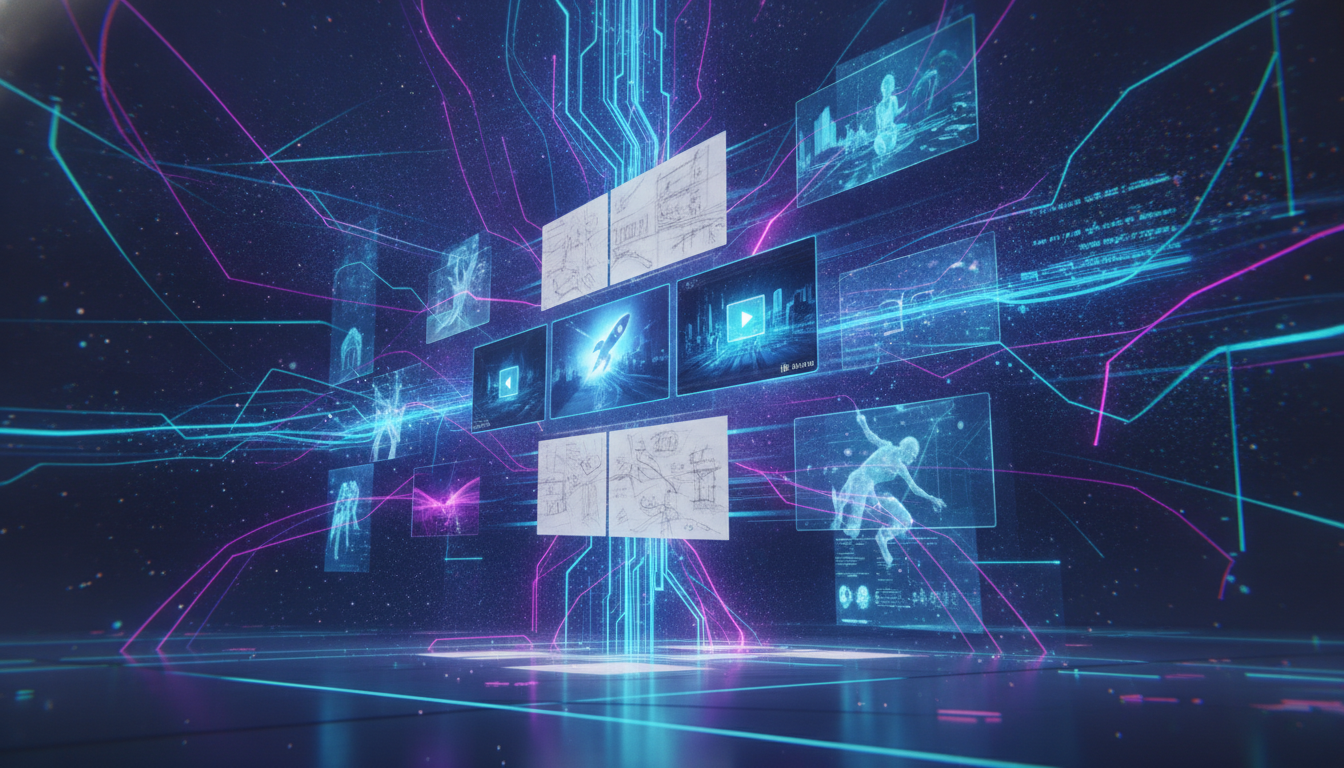
Discover a proven 3-step storyboard-to-video AI workflow from today's Twitter trends. Learn how to turn rough storyboards or picture books into finished videos—fewer wasted clips, more creative control, and seamless character consistency using VO3 AI.
Why Storyboard-to-Video Is the AI Creator’s Secret Weapon
Earlier today, @iam_chonchol’s viral tweet hit a nerve for countless AI video creators: “Most failed AI videos skip the storyboard. GPT-Image 2 draws the boards, Seedance 2.0 renders the video. That extra planning step slashes wasted footage—'storyboard before video' is now community consensus.”
This isn’t just theory. If your workflow jumps straight from prompt to video, you’re risking drift, off-topic scenes, and lost time. The storyboard-to-video AI pipeline—now exploding on Twitter—lets you lock in narrative, style, and character consistency before you spend a single credit. This methodology is perfect for:
- Converting picture books or comics into animated shorts
- Building animatics for pitching
- Producing more coherent UGC ads or mini-films
Ready to try this? Jump right to story / storyboard to video in VO3 AI.
The Trending Workflow: 3-Step Storyboard → Video Trick
Another workflow, showcased by @wavespeed_ai this morning, is sweeping the short animation community:
Here’s how it works:
- Use GPT Image 2 (or your favorite AI image tool) to design a consistent set of storyboard frames, nailing down the narrative and main visuals.
- Sequence these images into a storyboard, refining pacing and shot choices.
- Feed the full storyboard into an AI video generator (like VO3 AI) to render the final animated sequence—preserving character, mood, and flow.
For more context, check out VO3 AI's story / storyboard to video page. And if you're after anime-style results, see story-to-anime generator.
Step-by-Step: Storyboard to Video in VO3 AI
1. Craft Your Storyboard Frames
- Use GPT Image 2, Midjourney, or the AI image generator in VO3 AI.
- For picture books: snap or scan each page.
- For comics: crop out the key panels.
Prompt Example:
A 6-panel storyboard for a short film: Scene 1: A fox wakes in a misty forest. Scene 2: The fox spots a glowing orb. Scene 3: The fox approaches curiously. Scene 4: The orb lifts into the sky. Scene 5: The fox leaps after it. Scene 6: The forest brightens with morning sunlight. Consistent character, cinematic lighting, gentle color palette.
2. Sequence and Upload Your Storyboard
- Sequence your images as you want them to appear.
- Drag and drop them into the storyboard-to-video AI interface.
- (Optional) Add text prompts for each panel for more guidance (e.g., "close-up," "wide shot," "dramatic lighting").
3. Generate the Full Video
- Select your preferred model; for cinematic, consistent output, Veo3.1 AI video generator is recommended.
- Adjust output length and style if needed—choose 'animatic', 'cinematic', or 'storybook' mode.
- Click 'Generate'.
4. Review, Edit, and Refine
- Use the built-in editor to trim, reorder, or extend scenes (long-video-editor is ideal for multi-shot projects).
- If characters drift or style is inconsistent, try adding reference images or using the image-to-video workflow.
5. Export and Share
- Download your finished video.
- Use the AI video tool to add voiceover, music, or captions.
Real-World Demo: Picture Book to Video
Generated with VO3 AI — Image-to-video product ad for GRAIN Quarterly, an indie photography/literary print magazine. A single uploaded flat-lay cover photo is held as a still catalog shot, then animates into a tactile page-flip showcase to dramatize 'one product photo to finished ad.'
📦 Workflow Block
Prompt Example:
A 4-panel storyboard: (1) Girl finds a mysterious box in attic; (2) She opens it, revealing magical light; (3) Toys come to life and swirl around her; (4) She laughs with wonder. Soft, dreamy colors, Pixar style, consistent character.
Recommended Model: Veo3.1 AI video generator Estimated Credits per Video: $2.99 starter ≈ 4-6 finished videos Expected Output Length: 10-30 seconds; generation time: 2-3 min per video
Common Mistakes & Pro Tips
- Skipping the Storyboard: As @iam_chonchol notes, skipping storyboards leads to wasted credits and off-brief results. Even a rough 3-4 panel sketch massively improves control.
- Inconsistent Characters: For complex stories or animatics, use reference images or the 'character lock' feature—see @AunySillyMe's tip for cross-prompt consistency.
- Panel-to-Panel Drift: Keep your prompts simple and use the same phrasing for each frame to reinforce consistency.
- Exporting Too Early: Use the long-video-editor to stitch, reorder, or extend scenes before your final export.
- Not Testing Different Models: For highly stylized or anime looks, try the story-to-anime tool; for realism, see the realistic video generator.
See It in Action: UGC Ad Animatic Example
Generated with VO3 AI — Scrappy, authentic on-location talking-head ad: a mobile locksmith owner pitches his 24/7 emergency service direct-to-camera by his open work van, building local trust with a real human face.
Try It Yourself: Start Your Storyboard-to-Video Workflow
Ready to build your own storyboard-to-video AI pipeline? Explore the VO3 AI workflow, or jump straight into story / storyboard to video.
For advanced projects, see how the AI long video generator and long-video-editor can help you extend, polish, and scale your results. Learn about all the latest model capabilities at VO3 AI.
Want to try it now? Visit https://vo3ai.com
Ready to Create Your First AI Video?
Join thousands of creators worldwide using VO3 AI Video Generator to transform their ideas into stunning videos.
📚 Related Posts:
What is VO3 AI Video Generator: The Ultimate AI-Powered Video Creation Platform
Discover VO3 AI Video Generator - the revolutionary AI video creation platform
Read More →VO3 AI vs. Veo3 — What's the Difference?
Understand the key differences between VO3 AI and Google's Veo3
Read More →How to Use VO3 AI Video Generator: Complete Guide
Master VO3 AI Video Generator with our comprehensive tutorial
Read More →VO3 AI Video Generator - Where imagination meets innovation
Built on top of multiple AI video models including Veo3. Start your creative journey today and join the future of video creation.