Seedance 2.5 Storyboard Workflow Just Dropped — Faceless YouTube Shorts with VO3 AI (Full Tutorial)
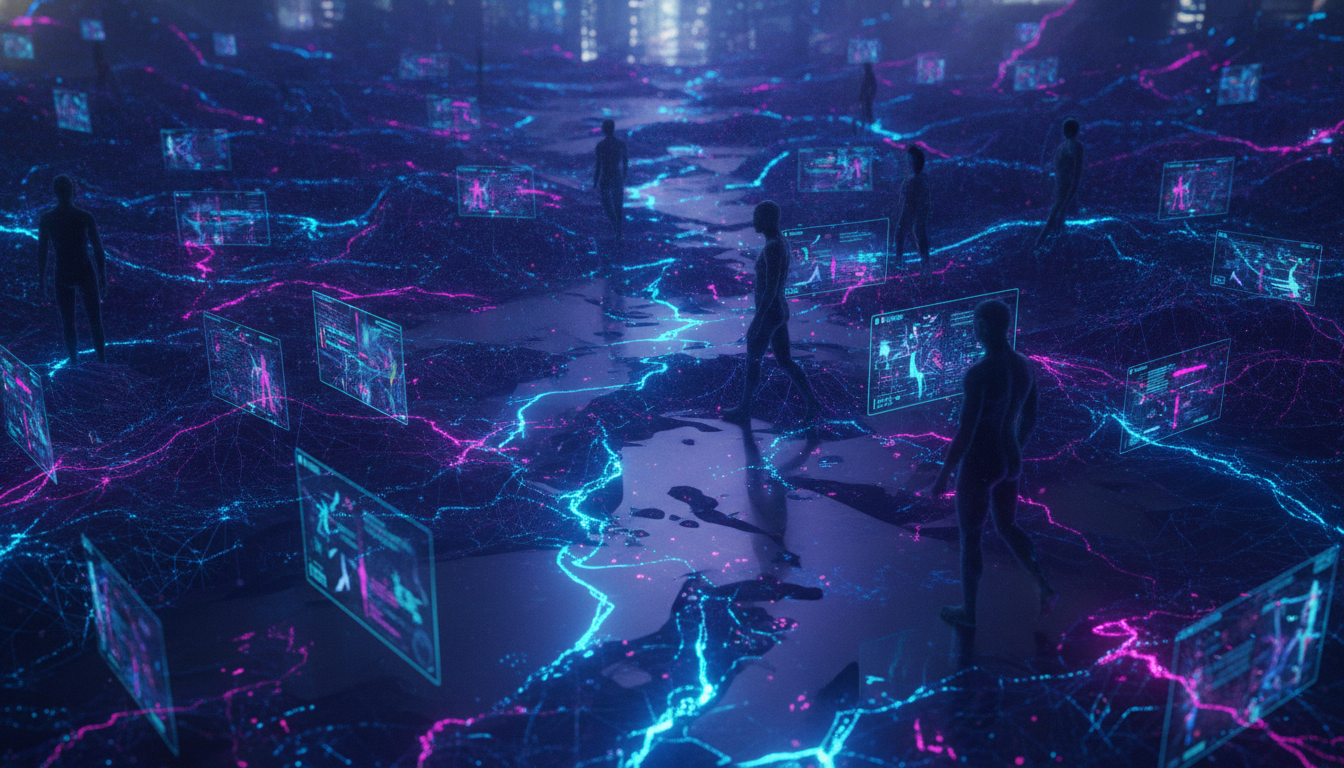
Seedance 2.5's storyboard-to-video method is trending this week—here’s how to use VO3 AI’s matching workflow to create viral, faceless YouTube Shorts in minutes. Real prompt scripts and pro tips included.
🚀 This Week’s Trending Workflow: Storyboard-to-Video for Faceless YouTube Shorts
Earlier today, AI creator @mootion shared a viral Twitter thread detailing a new faceless YouTube Shorts workflow: start with a character sheet and visual storyboard, then turn them into a polished video using Seedance 2.5. This approach is exploding among Shorts creators who want quick, automated content—no camera, no voice, just pure storytelling, all powered by AI.
Inspiration Tweet:
"角色优先"AI视频工作流爆火:分镜脚本+角色表→自动生成高一致性短视频,Seedance 2.5三步走,爆款Shorts无需露脸! — @mootion_ai, 今日
This storyboard-to-video pipeline is perfect for anyone building a faceless YouTube channel or automating Shorts production. Even better, VO3 AI’s YouTube Shorts / faceless channel workflow matches Seedance’s—so you can use this method right now, with powerful prompts and instant output.
Why This Works: Real-World Proof & Third-Party Data
- Seedance 2.5’s workflow has gone viral this week, with creators reporting Shorts produced in under 10 minutes—no camera or voice required.
- According to a recent report, channels using this faceless, automated style are reaching 50k+ views per Short, with CPMs rivaling traditional vlogs.
- 招商证券 (China Merchants Securities) just released an industry brief confirming: "AI视频从技术竞赛转向商业化落地...有竞争壁垒的头部公司正加速变现"—AI video is now a real monetization channel. (source)
- Not just Seedance—VO3 AI, Hailuo, and Vidu are all pushing storyboard-to-video pipelines, but only VO3 AI offers a fully-automated, faceless YouTube workflow with instant Shorts rendering.
Real Example: Personalized, Faceless Video with VO3 AI
Generated with VO3 AI — Image-to-video personalized quinceanera greeting: a printed portrait of the birthday girl animates, then cuts to family recording a heartfelt custom Spanish message.
🛠️ Step-by-Step: Storyboard-to-Shorts with VO3 AI
Workflow Block:
- Prompt Example:
3-shot vertical YouTube Short. Shot 1: [OPEN] Close-up of a stylized cartoon detective (faceless, wearing trenchcoat, hat down) walking in the rain at night under a neon sign, cinematic lighting. Shot 2: The detective pauses, looks toward a glowing clue (a mysterious envelope on the ground) — camera whip-pans. Shot 3: Detective kneels, picks up envelope, screen stutters and transitions to a title card: "The Night’s Secret." - Recommended Model: Seedance 2.5 AI video generator (or Veo 3.1 for higher consistency)
- Estimated Credits: VO3 AI $2.99 starter ≈ 3-5 Shorts (15s each)
- Output Length / Generation Time: ~12-15 seconds per Short, 3-5 minutes to render
1. Draft Your Storyboard (No Drawing Required)
-
Use a simple 2-4 line outline. Example:
- Shot 1: Faceless detective walks at night
- Shot 2: Detective finds clue
- Shot 3: Dramatic reveal/title
-
For character consistency, describe key visual traits (e.g., “faceless,” “trenchcoat,” “neon city,” “cartoon style”).
Prompt to enter:
3-shot vertical YouTube Short. Shot 1: [OPEN] Close-up of a stylized cartoon detective (faceless, wearing trenchcoat, hat down) walking in the rain at night under a neon sign. Shot 2: Detective pauses, looks toward a glowing clue (a mysterious envelope on the ground). Shot 3: Detective kneels, picks up envelope, screen stutters and transitions to a title card: "The Night’s Secret."
2. Choose Model & Settings
- For maximum scene consistency, select Seedance 2.5 AI video generator or Veo 3.1 within VO3 AI.
- Set: Vertical (9:16), 15 seconds, "multi-shot" enabled.
3. Generate and Review the Video
- Launch your video using the AI video tool.
- Download the result. Watch for scene flow and character consistency.
4. Add Captions, Title Cards, and Voiceover (Optional)
- Use VO3 AI’s built-in editing to add auto-captions.
- For lip sync voiceover (optional), run through the AI lip-sync video generator or overlay TTS audio.
5. Upload to YouTube Shorts
- Optimize your title and description for trending keywords (e.g., “AI detective short film,” “faceless story”)
- Schedule for peak Shorts viewing times.
Demo: Multi-Character Faceless Comedy (Bodycam Format)
Generated with VO3 AI — Bodycam comedy: a deadpan, exhausted cop responds to a noise complaint and finds an absurdly polite, monocle-wearing tiny dragon hosting his 500th 'hatchday' party—professional officer vs. impossibly civilized chaos, with a wholesome relent at the end.
Common Mistakes & Pro Tips
Mistakes:
- Overloading the prompt: Too many shots (over 4) can confuse the AI — stick to 2-4 concise scenes.
- Neglecting visual consistency: If your detective’s coat is “brown” in Shot 1 and “blue” in Shot 2, the AI might change it. Lock in key traits in every shot description.
- Skipping title cards: Shorts with a clear title or hook card (last 2 seconds) have higher retention (per YouTube Creators).
Pro Tips:
- Use “faceless,” “silhouette,” or “back to camera” in prompts for true anonymity.
- For trending styles, reference AI video for TikTok and adapt vertical formats.
- If you want to extend videos or stitch shots, try AI long video generator for multi-part narratives.
⚡️ Ready to Automate Your Faceless Shorts?
Thousands of creators are now using YouTube Shorts AI pipelines to scale faceless channels. Whether you’re building a detective series, comedy sketches, or educational explainers, this storyboard-to-video workflow with VO3 AI delivers fast, reliable Shorts—no face, no voice, just pure story.
Internal Links Used:
- YouTube Shorts / faceless channel
- AI video maker for YouTube
- AI video for TikTok
- AI lip-sync video generator
- Seedance AI video generator
- AI long video generator
- VO3 AI homepage
- AI video tool
Ready to Create Your First AI Video?
Join thousands of creators worldwide using VO3 AI Video Generator to transform their ideas into stunning videos.
📚 Related Posts:
What is VO3 AI Video Generator: The Ultimate AI-Powered Video Creation Platform
Discover VO3 AI Video Generator - the revolutionary AI video creation platform
Read More →VO3 AI vs. Veo3 — What's the Difference?
Understand the key differences between VO3 AI and Google's Veo3
Read More →How to Use VO3 AI Video Generator: Complete Guide
Master VO3 AI Video Generator with our comprehensive tutorial
Read More →VO3 AI Video Generator - Where imagination meets innovation
Built on top of multiple AI video models including Veo3. Start your creative journey today and join the future of video creation.