How to Create Consistent AI Video Characters for Under $1: A Step-by-Step Prompting Guide
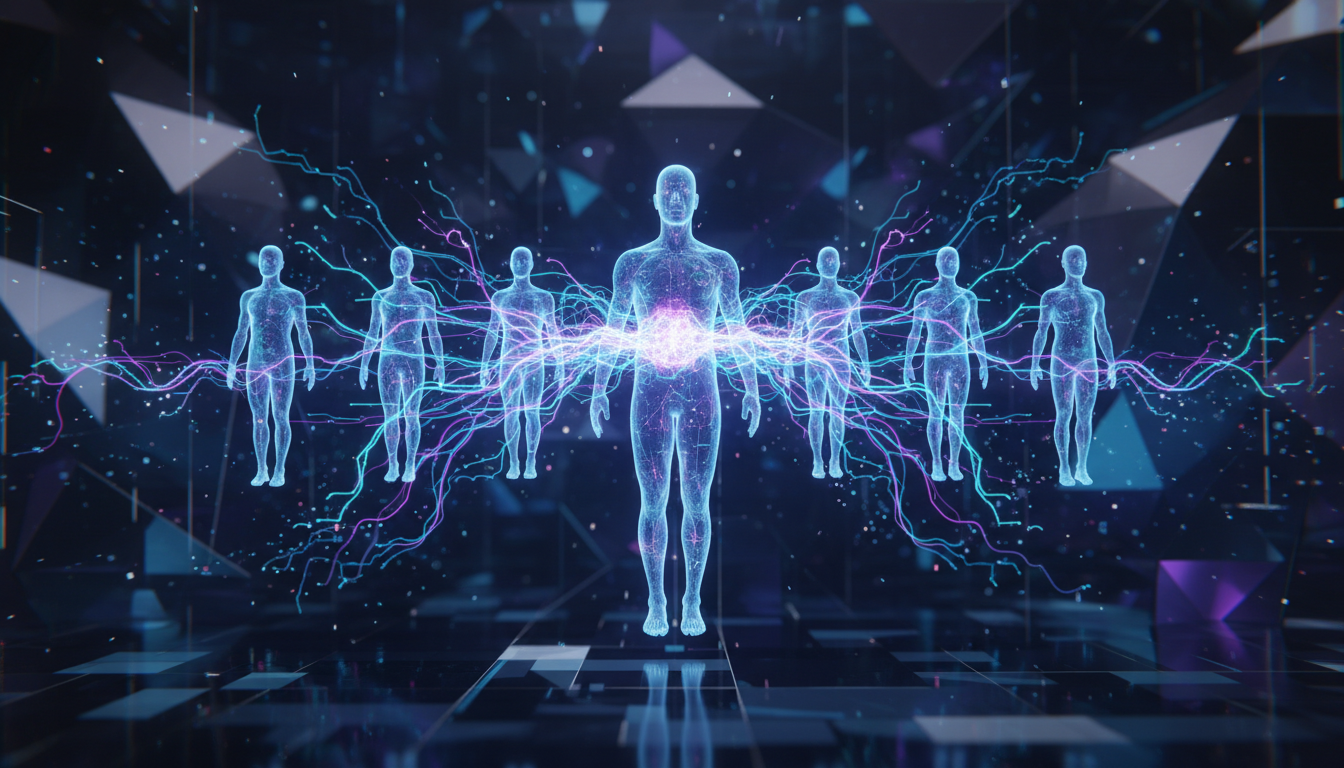
Learn how creators are generating multiple consistent character videos with AI for less than fifty cents — and how you can do it too with the right prompting techniques.
The AI video landscape just hit a tipping point. Creators are producing professional-quality videos with consistent characters, coherent storylines, and cinematic visuals — all for pocket change. One creator recently shared that their entire workflow cost less than fifty cents.
If you've been intimidated by AI video generation or struggled with inconsistent results, this guide breaks down the exact techniques trending creators are using right now to produce stunning, repeatable content.
Why Character Consistency Matters in AI Video Generation
The biggest complaint about AI-generated video has always been consistency. You nail one perfect shot, then the next clip shows your character with a different face, different clothes, or different proportions. It kills the illusion.
But 2026 has changed the game. Between Veo 3, Kling 3.0, and a wave of new models, character consistency is no longer a premium feature — it's becoming standard. The real skill now is knowing how to prompt for it.
With competition between AI video models heating up, the tools are getting better fast. Let's put them to work.
Step 1: Build Your Character Sheet With a Reference Image
Before you generate a single frame of video, you need a locked-down character design. Here's the process:
Create a detailed character description. Write out every visual detail — hair color, skin tone, clothing, body type, distinguishing features. Be absurdly specific. "Brown hair" isn't enough. Try: "shoulder-length chestnut brown hair with subtle auburn highlights, slightly wavy, parted on the left."
Generate a reference image first. Use an AI image generator to create a 3/4 portrait of your character. This becomes your anchor. Save it — you'll reference it in every video prompt.
Lock the wardrobe. Pick one outfit per scene or per video series. Describe it in your prompt every single time. Consistency in clothing is the easiest win for visual continuity.
Step 2: Master the Consistency Prompt Formula
Here's the prompting structure that top creators are using to maintain character consistency across multiple AI video clips:
[Character description] + [Action/Scene] + [Camera direction] + [Lighting/Mood] + [Style anchor]
Example prompt:
"A woman in her early 30s with shoulder-length chestnut brown hair, wearing a navy blazer over a white t-shirt, walks confidently through a sunlit coworking space. Medium tracking shot following from the side. Soft natural window light, warm color grade. Photorealistic, cinematic 24fps look."
The key elements that drive consistency:
- Repeat the character description verbatim across all clips in a series
- Specify camera angle and movement — this prevents the model from randomly choosing perspectives that break continuity
- Anchor the style with terms like "photorealistic" or "cinematic" so the visual treatment stays uniform
- Name the lighting setup so skin tones and color temperature match between shots
Step 3: Generate a Scene Sequence (Not Random Clips)
Don't just generate isolated clips. Plan your shots like a filmmaker. Here's a simple three-shot sequence you can try right now:
Shot 1 — Establishing shot: Your character enters a space. Wide or medium-wide framing.
Shot 2 — Action shot: Your character performs the key action. Medium or close-medium framing.
Shot 3 — Reaction/Detail shot: Close-up on your character's face or hands. This sells the emotion.
By pre-planning the sequence, you're giving the AI model clear constraints — which paradoxically produces more creative and coherent results.
Here's an example of what a well-prompted sequence can look like when the technique is applied to product and tech visualization:
Generated with VO3 AI — SaaS dashboard coming to life with real-time analytics
Notice how the prompt specificity — mentioning the "ultrawide monitor," "minimalist tech office," and "colorful data visualizations" — locks in visual details that would otherwise drift between generations.
Step 4: Spot and Fix AI Artifacts Before Publishing
Even with great prompts, AI video still produces telltale artifacts. Knowing what to look for saves you from publishing clips that scream "this is AI."
The most common giveaways right now:
- Unnatural hand movements — fingers merging, extra digits, or impossibly smooth gestures
- Background inconsistencies — objects appearing or disappearing between frames
- Lighting mismatches — shadows that don't align with the apparent light source
- Overly smooth skin — that "uncanny valley" perfection that real cameras don't capture
As this analysis of a viral AI clip shows, even the best generations have tells. Your job as the creator is to select your best generations and, when needed, regenerate problem shots rather than trying to fix them in post.
Pro tip: Generate 3-4 variations of each shot and pick the cleanest one. At current pricing, this adds pennies to your total cost.
Step 5: Add Context and Depth With Niche Subjects
One of the most exciting trends right now is using AI video to visualize subjects that would be impossible or impractical to film traditionally. Niche content — from vintage tech restoration to scientific visualization — performs exceptionally well because there's demand but limited real footage.
Generated with VO3 AI — Vintage computer restoration inspired by trending SPARCstation content
This kind of detail-rich, atmospheric footage would require sourcing actual vintage hardware, setting up a studio, and hiring a cinematographer. With the right prompt, it takes seconds.
Step 6: Scale Your Output Without Losing Quality
Once you've nailed consistency for a single character or scene, you can scale. Here's what the workflow looks like at volume:
- Batch your prompts — Write all prompts for a video series before generating anything
- Use a prompt template — Keep your character description and style anchors in a text file you can copy-paste
- Generate in sessions — Some creators report better consistency when generating related clips in the same session
- Build a clip library — Save your best generations organized by character, scene type, and mood
With tools now available that combine image generation, character creation, and video synthesis in one pipeline, the barrier to creating serialized content has essentially disappeared.
The model ecosystem is expanding rapidly. Having access to multiple models means you can pick the right tool for each shot — one model might excel at facial expressions while another handles wide landscape shots better.
Practical Takeaways
- Write character descriptions once, reuse everywhere. Consistency starts with identical prompts.
- Plan shots in sequences, not isolation. Think like an editor before you think like a generator.
- Specify camera, lighting, and style in every prompt. These are your consistency anchors.
- Generate multiple variations and curate ruthlessly. The cheapest part of this workflow is generation.
- Start with niche subjects. Less competition, more visual impact, and harder to compare against reality.
Try It Yourself
Ready to put these techniques into practice? Head over to vo3ai.com and start generating with Veo 3. The platform makes it easy to experiment with different prompts, compare outputs side by side, and build your own consistent character library.
Start with the three-shot sequence outlined above. Write your character description, plan your establishing shot, action shot, and close-up, then generate. You'll be surprised how professional the results look when you approach AI video with a filmmaker's mindset instead of random prompting.
The creators producing the best AI video content right now aren't using secret tools. They're using better prompts, planning their shots, and iterating fast. Now you have the same playbook.
Ready to Create Your First AI Video?
Join thousands of creators worldwide using VO3 AI Video Generator to transform their ideas into stunning videos.
📚 Related Posts:
What is VO3 AI Video Generator: The Ultimate AI-Powered Video Creation Platform
Discover VO3 AI Video Generator - the revolutionary AI video creation platform
Read More →VO3 AI vs. Veo3 — What's the Difference?
Understand the key differences between VO3 AI and Google's Veo3
Read More →How to Use VO3 AI Video Generator: Complete Guide
Master VO3 AI Video Generator with our comprehensive tutorial
Read More →VO3 AI Video Generator - Where imagination meets innovation
Built on top of multiple AI video models including Veo3. Start your creative journey today and join the future of video creation.