5 Ways Vo3AI Transforms AI Video with Smooth Motion Pipelines
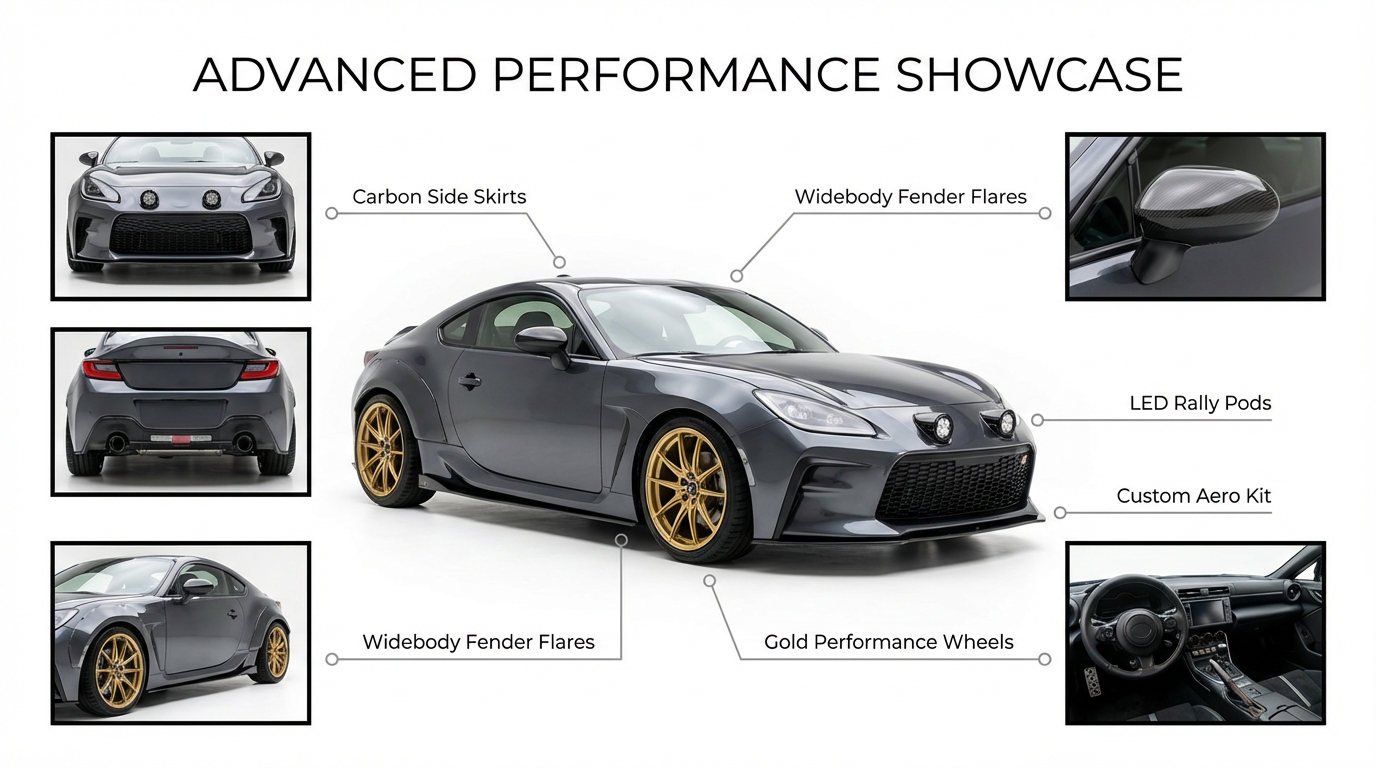
Learn how creators build seamless AI motion pipelines using VO3, Nano Banana Pro, and Veo3.1. A complete guide to smooth transitions and modern AI workflows.
AI creators are no longer satisfied with “single-model” generation.
The new trend dominating X (Twitter) is AI pipelines—multi-tool workflows that combine the strengths of different models to create smoother motion, better consistency, and more cinematic storytelling.
One of the most popular combinations?
Nano Banana Pro + VO3 Veo3.1 → Seamless Motion Stories.
And VO3 AI is becoming the go-to platform for running these pipelines from start to finish.
Why AI Pipelines Are Rising Right Now
Over the last month, the creator community has shifted dramatically toward multi-step workflows. Instead of relying on one model to do everything, they intentionally split the process:
- One model for high-quality keyframes
- Another for motion and camera movement
- Another for stitching, timing, or transitions
This shift is happening for one clear reason:
no single model is excellent at all parts of the video creation cycle.
For example:
- Model A generates incredibly clean images—but struggles with stable motion.
- Model B animates well—but distorts identities or changes style.
- Model C handles transitions—but can’t guarantee consistency.
By breaking the workflow into focused tasks, creators gain:
- Better consistency
- Smoother transitions
- More creative control
- A more cinematic look
- Reduced glitching or identity drift
Why VO3 Is Perfect for This Pipeline Trend
VO3 has become a favorite pipeline platform because it centralizes the entire workflow. Here’s why creators love it:
1. Multi-Model Engine
Switch seamlessly between:
- Nano Banana Pro
- VO3 Basic
- Veo3.1 Fast
- Sora 2 Basic / Pro
- VO3 Advance
No platform-hopping needed.
2. Batch Generation for Keyframes
Generate 4–12 consistent stills at once—perfect for building keyframe sequences.
3. Prompt Optimizer & VO3 Bot Assistant
VO3 automatically keeps:
- Style
- Pose
- Lighting
- Character identity
…consistent across all frames.
4. Built-in Video Controls
Control FPS, resolution (720p/1080p), aspect ratio, and duration directly inside VO3.
How Creators Build “Seamless Motion Stories”
Here’s how a complete AI pipeline typically works:
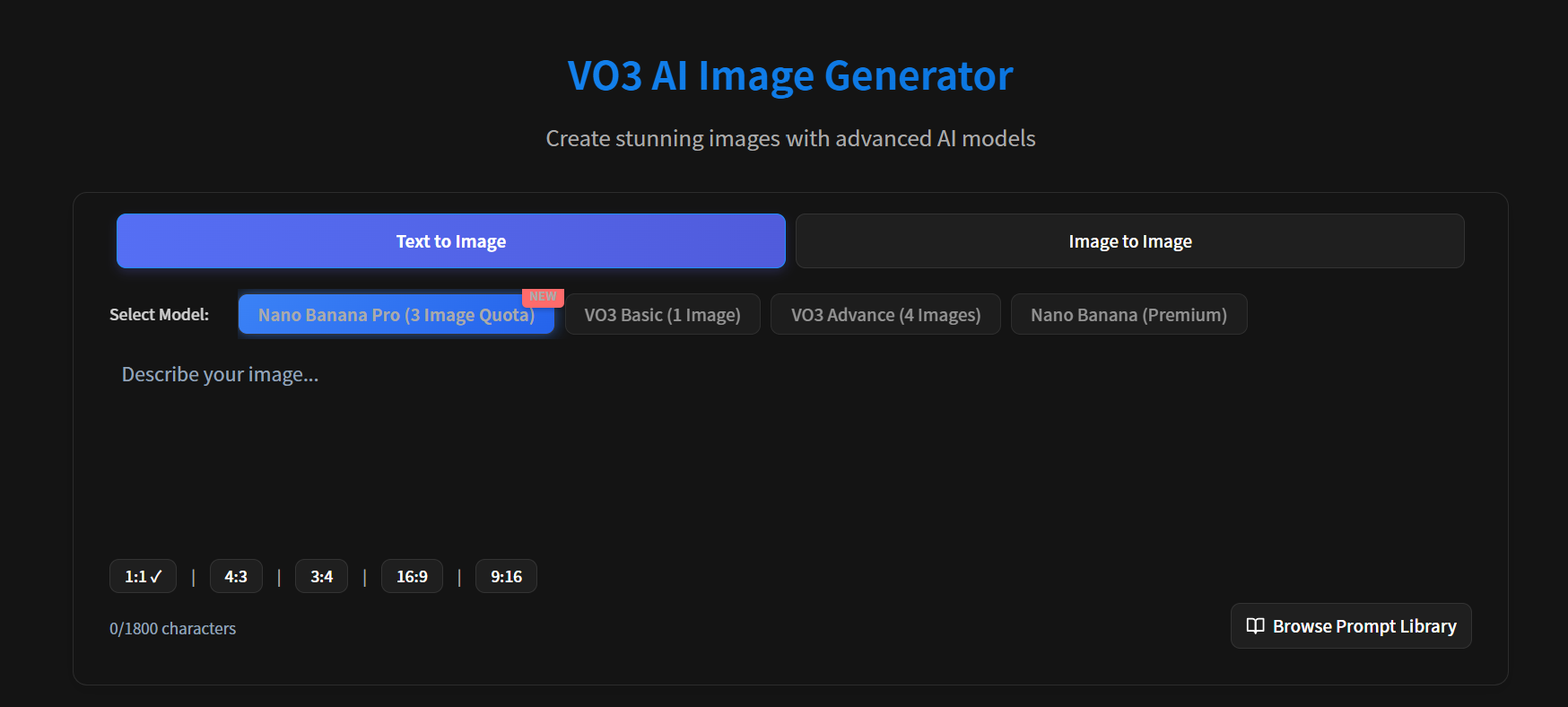
STEP 1 — Generate Keyframes with Nano Banana Pro
NBP is ideal for:
- Clean, editorial-style stills
- Consistent characters or objects
- Stable lighting
- Professional color grading
Creators usually generate 4–8 keyframes and select the best ones.
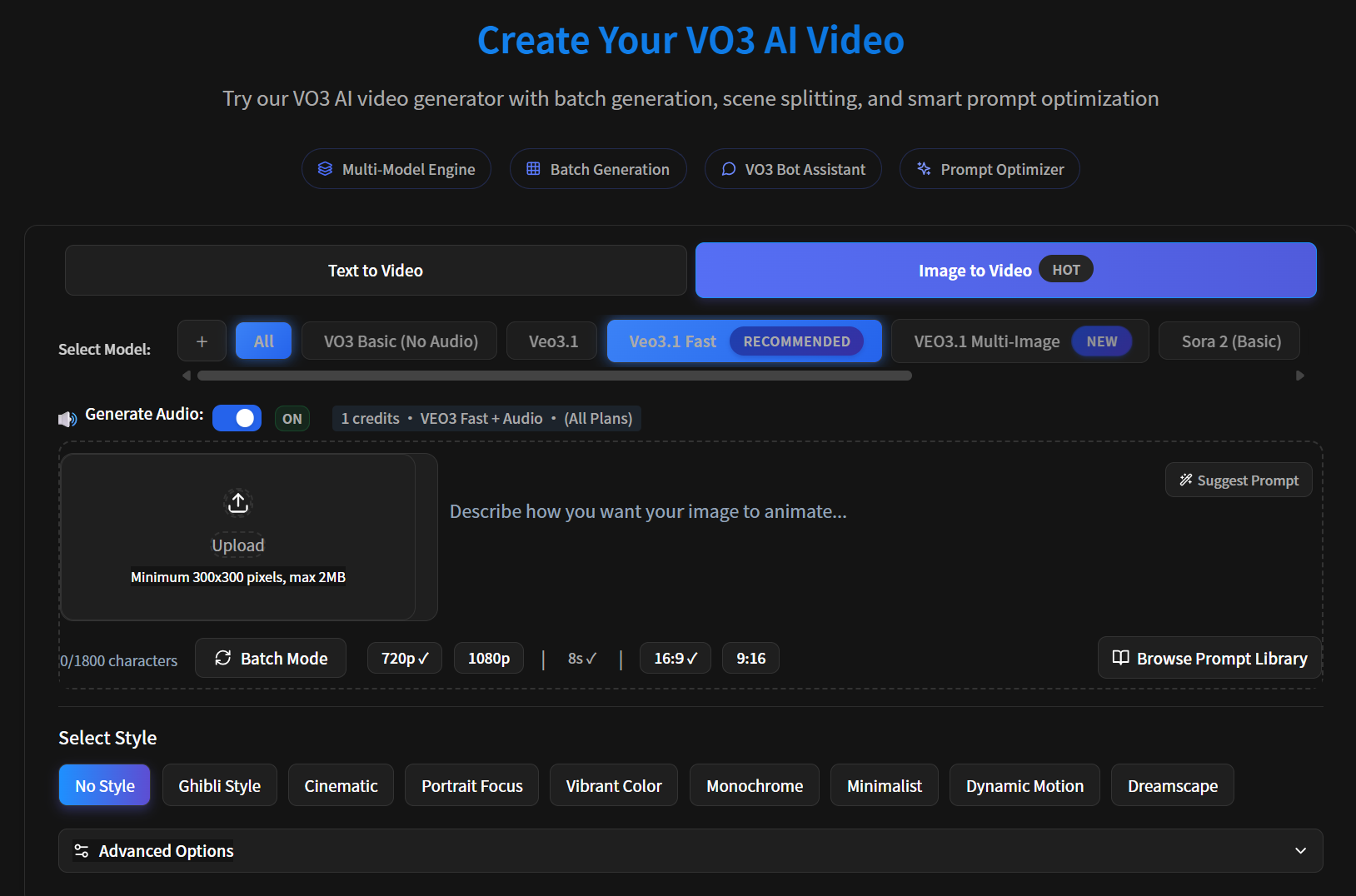
STEP 2 — Animate with VO3 Veo3.1 Fast
This is the motion phase.
Veo3.1 Fast delivers:
- Stable, subtle movement
- Smooth pans/zooms
- Shape/identity preservation
- Minimal distortion
Motion ideas:
- Slow pan → match cut
- Zoom-in → zoom-out
- Light parallax
- Minimal camera shake
STEP 3 — Stitch Everything Together
Use:
- VO3 transitions
- CapCut
- Premiere Pro
- DaVinci
- AE
Creators often add:
- Beat-synced cuts
- Whip-pan transitions
- Motion blur
- Time ramps
The final result feels like a polished teaser or ad spot.
🎥 Watch the showcase video:
Mini Tutorial: 8-Second Seamless Pipeline
Step 1: Generate keyframes
Model: Nano Banana Pro
Prompt:
“High-quality editorial stills of a consistent character. Clean lighting, centered composition, fixed 35mm camera angle.”
Step 2: Animate each still
Model: Veo3.1 Fast
Effects:
“Smooth camera pan, subtle movement, maintain identity, avoid distortion.”
Step 3: Combine
Use: “cut-on-motion,” “dip-to-black,” or “whip pan.”
Step 4: Export in VO3 1080p · 16:9 · 8 seconds.
Tips for Smoother Pipelines
✔ Keep lighting consistent
Avoid mixing daylight, sunset, and studio lights in one sequence.
✔ Use fixed camera prompts
“Static camera, 35mm lens, same distance, steady angle.”
✔ Simplify backgrounds
Less complexity → better motion integrity.
✔ Use the same seed value
Nano Banana Pro + same seed = high identity stability.
Conclusion
AI pipelines are quickly becoming the new standard for professional-looking AI video creation. With VO3, creators can combine:
- Nano Banana Pro for consistent stills
- Veo3.1 for animation
- VO3 transitions and export tools
This produces smooth, cinematic sequences that are now going viral across X, TikTok, and Instagram.
If you want to join this new wave of AI creators, VO3 provides one of the smoothest and most powerful ecosystems for building your own pipeline.
Ready to build your AI pipeline?
Ready to Create Your First AI Video?
Join thousands of creators worldwide using VO3 AI Video Generator to transform their ideas into stunning videos.
📚 Related Posts:
What is VO3 AI Video Generator: The Ultimate AI-Powered Video Creation Platform
Discover VO3 AI Video Generator - the revolutionary AI video creation platform
Read More →VO3 AI vs. Veo3 — What's the Difference?
Understand the key differences between VO3 AI and Google's Veo3
Read More →How to Use VO3 AI Video Generator: Complete Guide
Master VO3 AI Video Generator with our comprehensive tutorial
Read More →VO3 AI Video Generator - Where imagination meets innovation
Built on top of multiple AI video models including Veo3. Start your creative journey today and join the future of video creation.